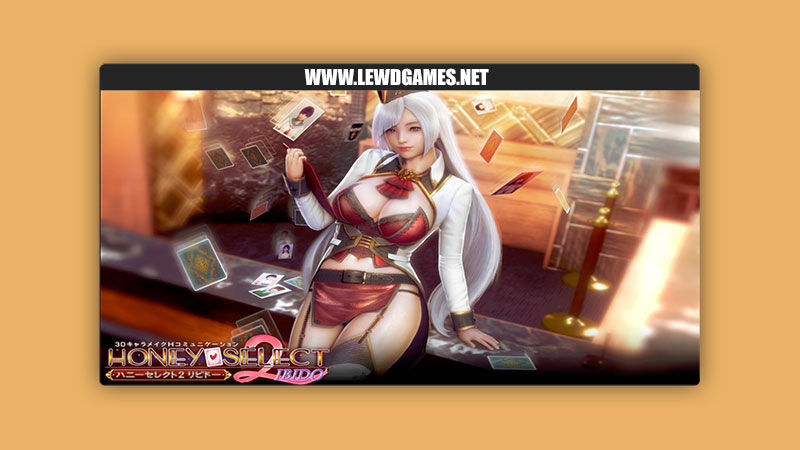
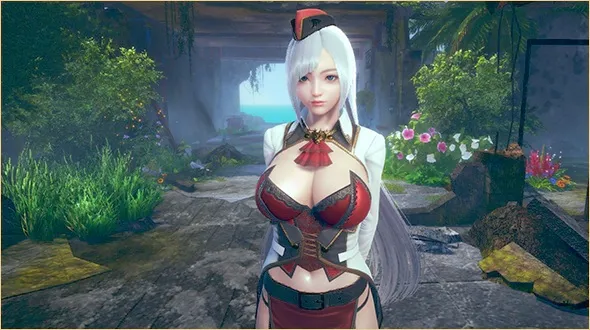
Illusion Games released a new game called Honey Select 2 and the version is DX R16. The game’s story is about Honey Select 2: Libido. The sequel to Illusion’s 2016 release of Honey Select will include a similar premise of its predecessor in which you are greeted by a new lady named Für who introduces you to a love hotel where you can find the person of your dreams. Feel free to spend sweet and hot moments with your partners or feel free to fuck like animals and put them in situations which your partner may or may not agree to.
Updated Animal42069’s HS2_BetterPenetration to v5.0.1.1
Updated countd360’s MMDD to v2.9.4 (*)
Updated DeathWeasel’s HS2_MaterialEditor to v3.9.1
Updated DeathWeasel’s HS2_StudioImageEmbed to v1.0.3
Updated DeathWeasel’s HS2_UncensorSelector to v3.12.1
Updated Keelhauled’s KeelPlugins build to 240725
Updated Keitaro’s VNGE to v43.0 (*)
Updated Marco’s HS2API to v1.41
Updated Marco’s HS2ABMX to v5.2.2
Updated Marco’s HS2_CheatTools to v3.3.2
Updated Marco’s HS2_BrowserFolders to v3.2.3
Updated Marco’s HS2_OverlayMods to v6.1.5
Updated Marco’s HS2_QuickAccessBox to v3.2
Updated Marco’s RuntimeUnityEditor to v5.4.0
Updated Marco’s KKManager to v1.3.1 (**)
Updated Marco’s HS2_RemoveToRecycleBin to v2.0
Updated Sauceke’s LoveMachine to v3.19 (*)
Updated XUnity.AutoTranslator to v5.3.1
FAQ
Minimum System Requirements:
Windows 8.1/10 64bit
DirectX 11
Intel Core i3 4000 (i5 recommended)
4GB RAM (8GB recommended)
2GB VRAM (4GB recommended)
Installation:
If you downloaded the “All-In-One (R3 Base Game Repack)”:
Unzip to a root folder (keep your game path simple, don’t nest it inside a huge folder tree).
If you donwloaded the “Update only (R2 to R3)”:
Run the exe and confirm your game path was correctly auto-detected.
Run “[BR] HoneySelect 2 Registry Fixer.bat” in your game folder.
Install “R3.1 Hotfix”.
Run “InitSetting.exe” and update base game (“Bleeding Edge”, “Extra Maps”, “Items for Studio” and “UserData” are all optional). The update button may sometimes glitch on the first run – just close and restart InitSetting.
Choose your Resolution, “Activate DHH” OR “Graphics Mod” (optional graphic improvements) and “Activate Console” for your first run.
Warnings:
DO NOT merge contents of your old Bepinex folder backed-up by the updater. This will break your game. Move any plugins you were using to the apropriate folder manually.
DO NOT install zipmods into the root folder. R3 now uses “\mods\MyMods”. This will insure future updates work as intended.
Feel free to zip-up and move the UserData backup made by the updater. This step insures you have something to roll-back to if something happens to your installation. It is advised to do your own back-ups regularly.