
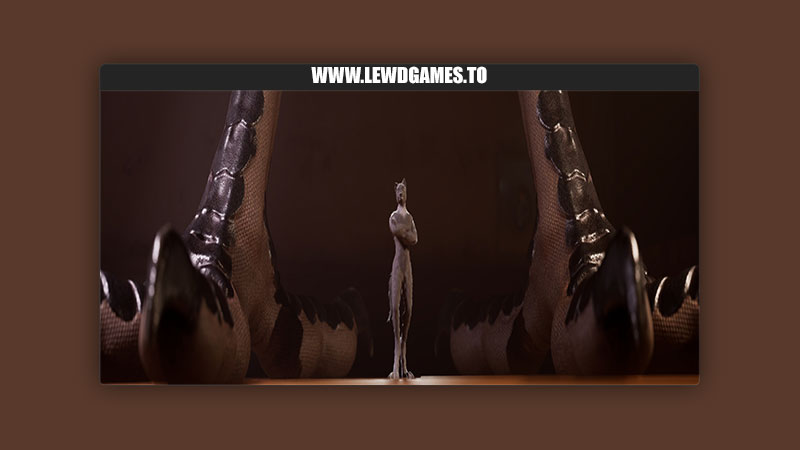
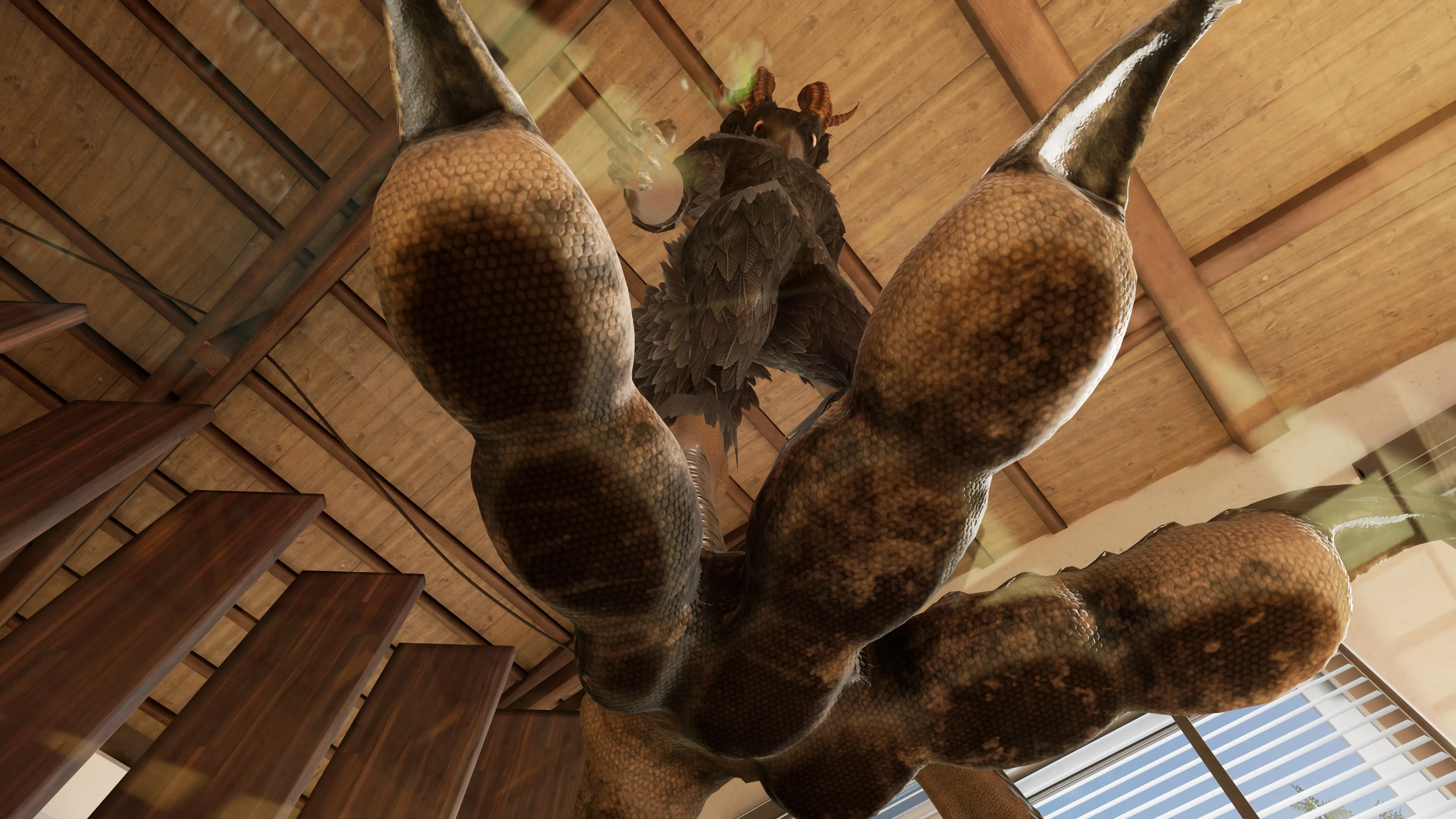
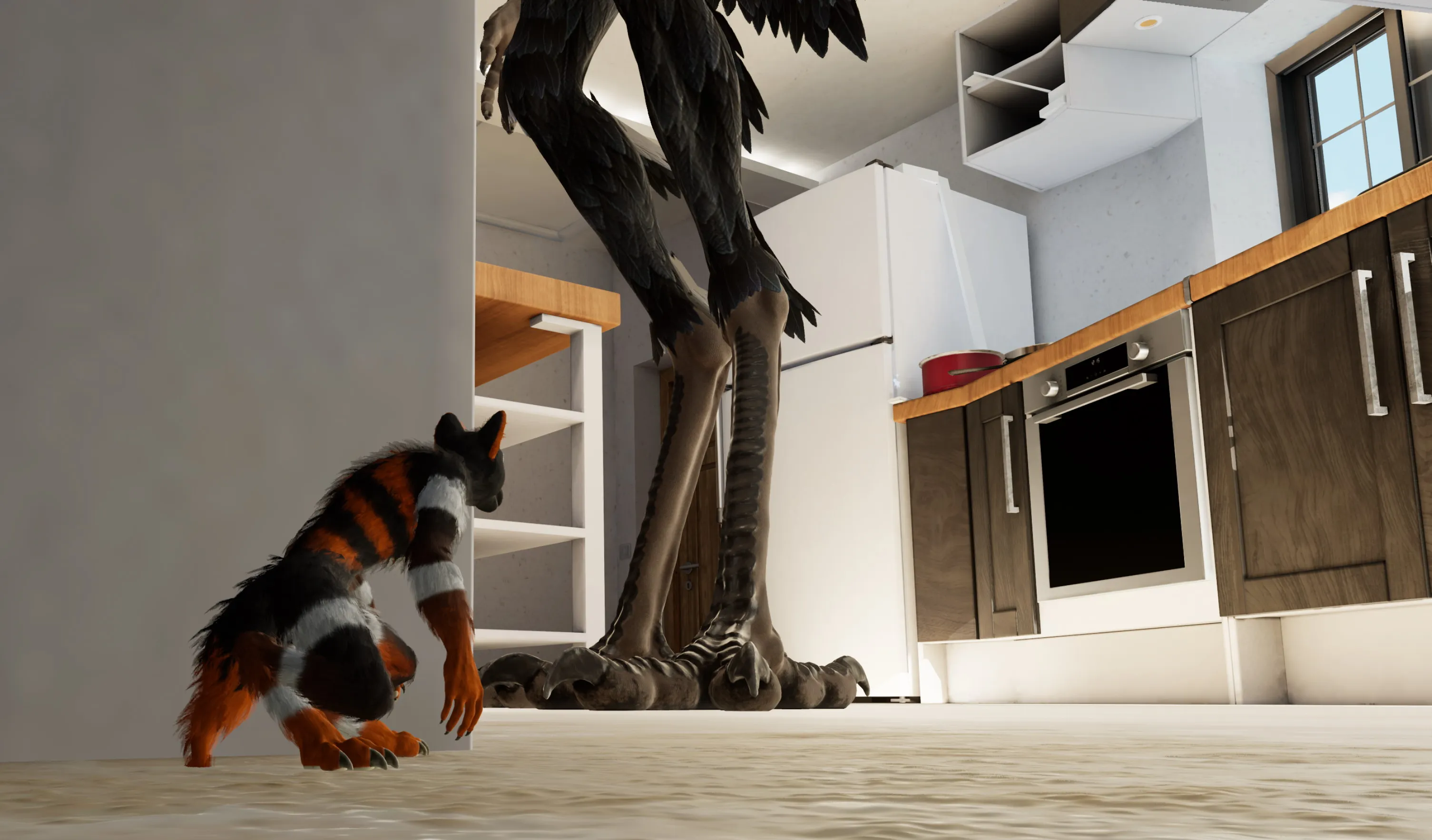
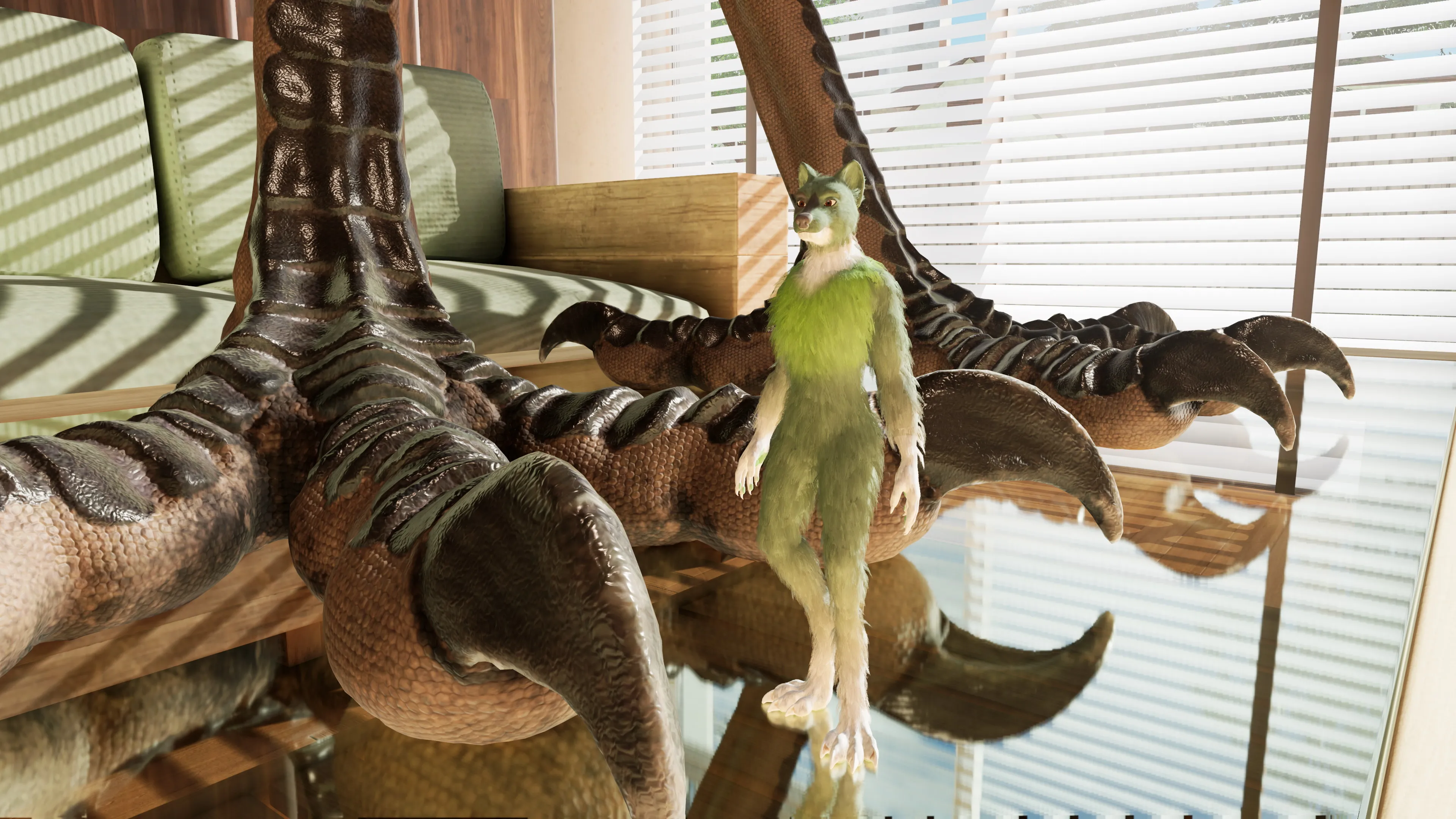
BleuRaven Games released a new game called Macro Micro VR Service and the version is 0.4.7 Alpha. The game’s story is about MMVS is an adult-themed furry game mixing immersive VR experience with unique fetishes like macrophilia, paw worship, vore, and crush fetishes all featuring furry characters. Players can explore the environment and complete objectives related to their interests, such as cleaning a macro furry’s dirty paws or experiencing being crushed or swallowed alive.
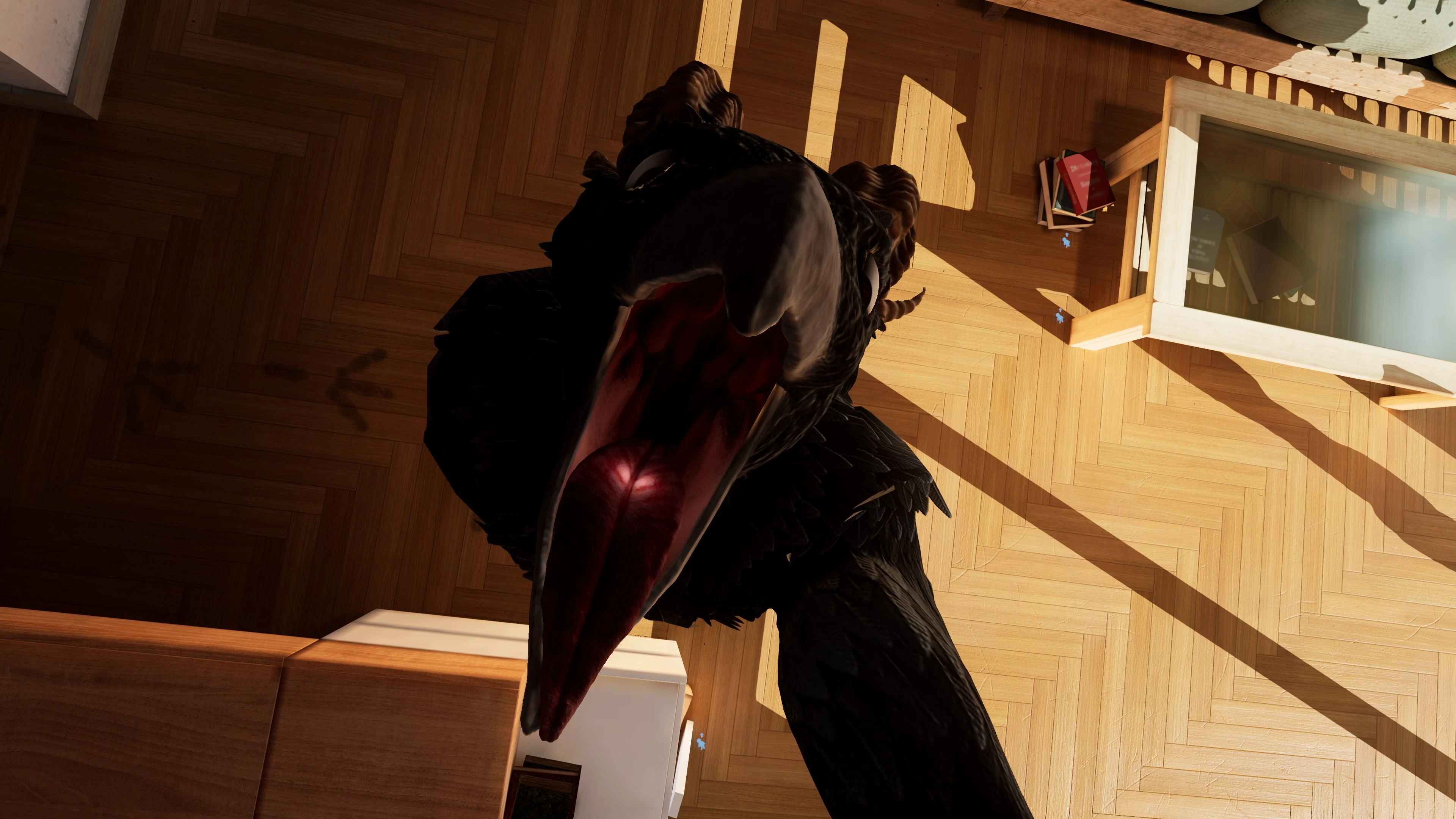
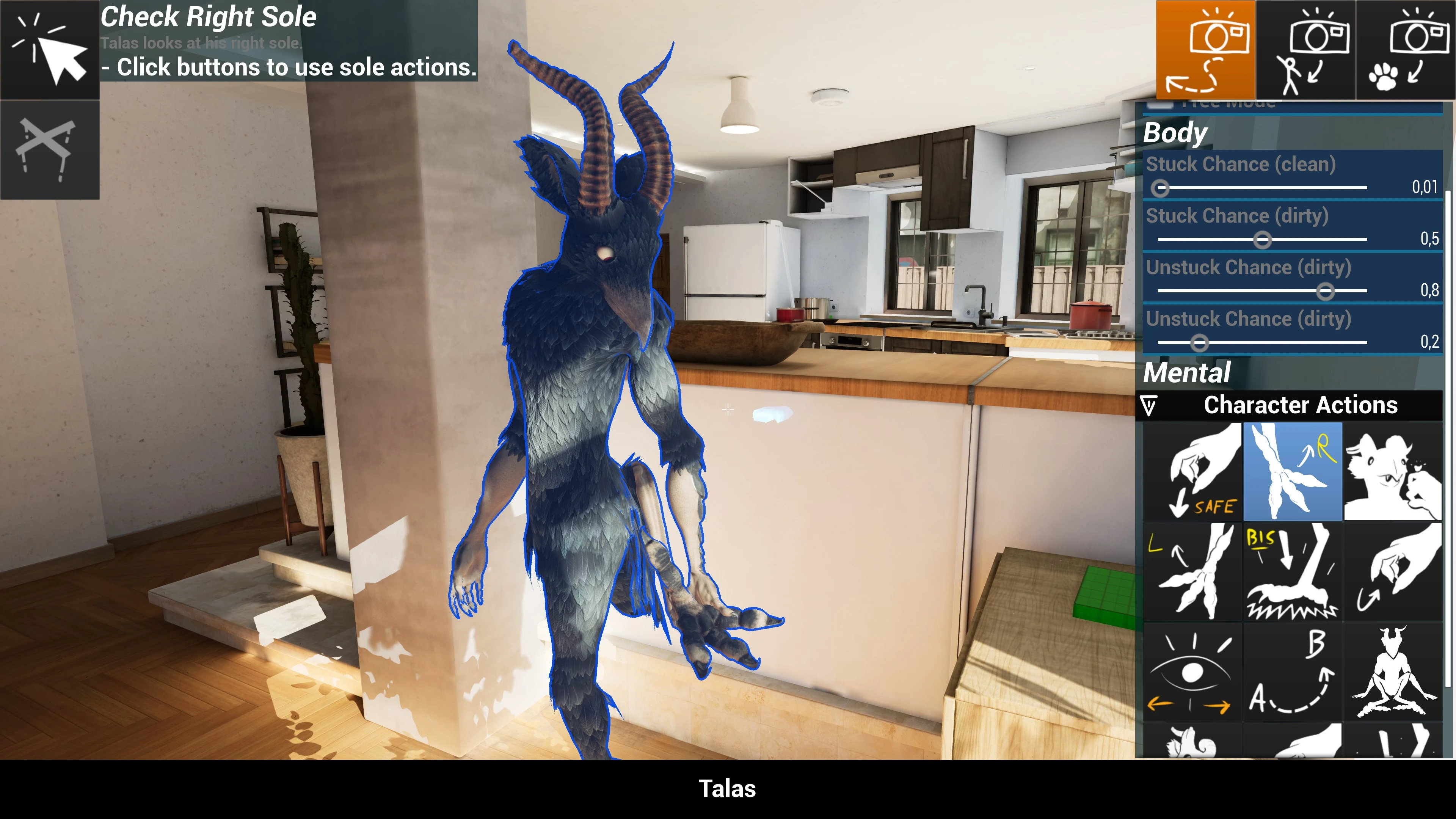
The game offers both single-player and multiplayer modes, allowing players to cooperate in achieving their desired goals. In the main scenario, Talas, a giant raven, takes pleasure in dominating the micro furries at his disposal. Players must be cautious not to be flattened beneath his dirty and sweaty paws. In multiplayer mode, a player can become the game master, taking control of the game in place of the AI for roleplay or teasing purposes. The game master can direct Talas’ actions and torment any tiny victims as desired. Players can also customize and control their own characters.
v0.4.7 Alpha
- New sound design related to vore.
- New: New notification sound when the Player avoids getting spotted by Macro AI.
- New: Desert level now has ambient sounds.
- New: New localized sounds for the Cozy House doors.
- New: Ambient sounds in the pipes of Cozy House level were redone.
- New: Talas House now has new ambient sounds with room-specific variations.
- New: Talas digestive system now has ambient sounds with variations.
- New: New sound for success and fail interaction feedback.
- New: Step sounds now use a true blending depending on the step weight and speed.
- New: Sticky sounds for footsteps in the Talas digestive system.
- New: Sound attenuation is scaled with the character scale. (Footsteps, Voices, etc.)
- New: Text property UI will automatically scroll left and right when the text is too long to be fully visible.
(Fixes many issues when the localized text is too long and when the game window is too small.) - New: New and reviewed surface types on the geometry for the footstep sounds.
- New: Added new rescale pads to rescale characters and cheat codes to spawn them.
- New: New hidden cheat codes in levels.
- New: New game master tool to show Talas maw.
- New: AI branch to break out when Talas is stuck in a wall or on furniture.
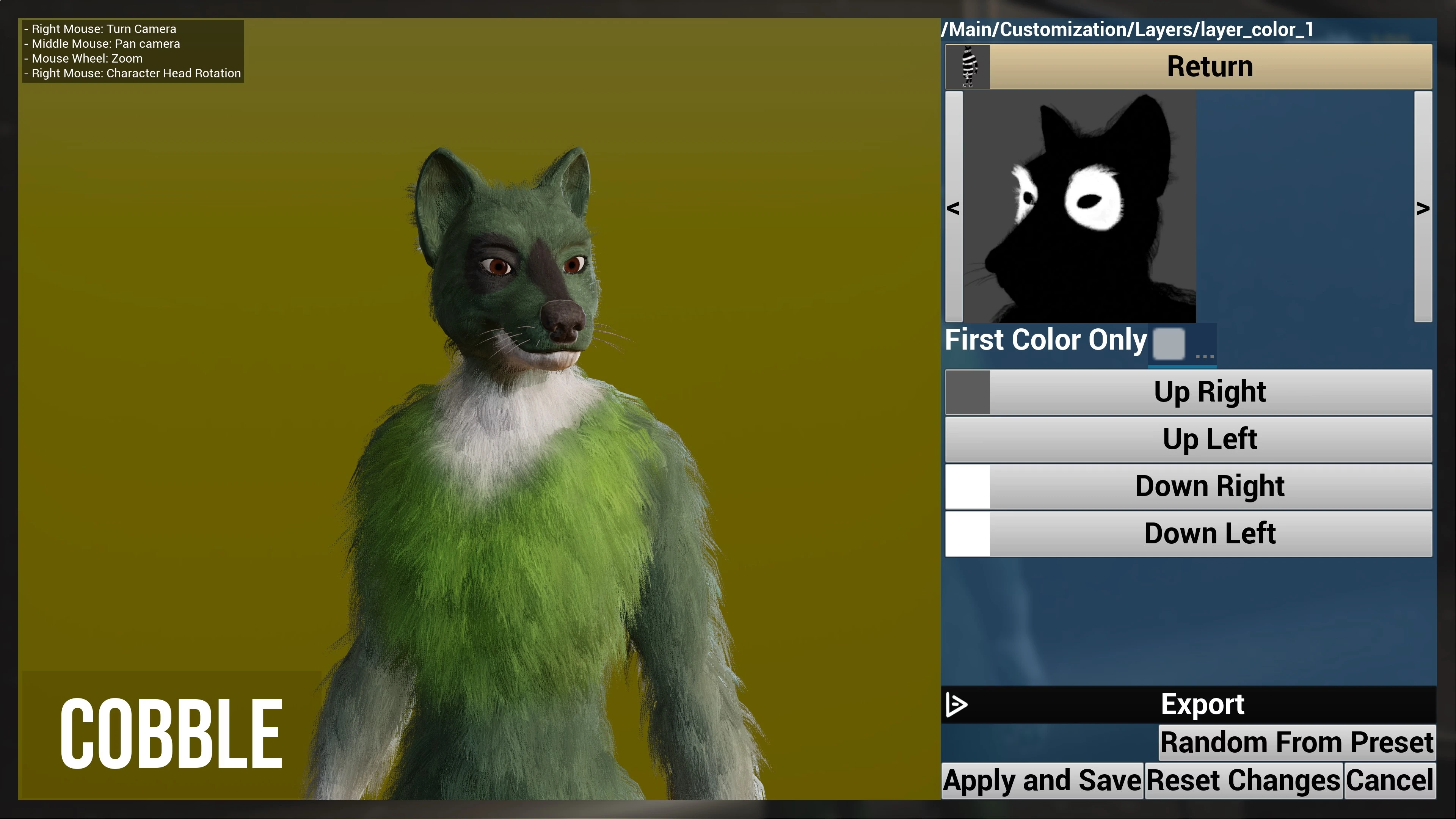
- New: Cobble arms animations are smoother.
- New: Vore and Maw Exhib animation transitions are now smoother.
(Abrupt transitions and teleportations due to attachments are now replaced with interpolated smooth transitions.) - New: Audio mono setting.
- New: Background Audio setting.
(When active, automatically mute the audio when the game is running in the background.) - New: Better doppler effect.
- New: Support for maintained movement and input.
- Maintained Movement: Applies the last character movement,
- Maintained Input: Applies the last movement action input
- New: New Audio effect when the camera is under the floor.
- New: You can now switch to Game Master in Talas digestive system.
(That was possible before but the render was updated only every 1 second because of player collision detection) - New: You can now hear the world sounds when you are in Talas digestive system.
(Like the footsteps of Talas when he walks, the ambient sounds, etc.) - New: Talas now has a dynamic heart system.
(Heartbeat speed changes depending on his activity and situation, with synchronized animations and audio in the digestive system.) - New: Talas digestive system will move with Talas movement and steps.
- New: When the player gets grabbed with hand or beak, the teleport transition was replaced by a linear movement to avoid the teleport effect.
- New: In multiplayer, new players spawn lying in Cobble bed if not occupied.
(Before that was only the host player at level load) - New: New animation for Control and Tooltip UI overlays.
- New: You can now turn off the physics light balls in the desert level and they are off by default.
- New: In Graphics settings new “Very Low” and “Very High” presets.
- New: New animation and AI interactions for the Maw Showing.
- New: New tab and sections in the pause menu to avoid too many options on the same page.
- New: New F12 input to take screenshot with the current game resolution.
(Hold F12 is now used to take UHD screenshots.) - New: When the game takes a screenshot, it will also create a compressed version of the screenshot.
- New: New 360 screen when you are pinned under Talas shoe, inside the shoe, when Talas sits on you.
- New: In the digestive system, you can now grab and pull the flesh walls.
(Players can interact with and pull flesh walls to open passages.) - New: In Talas digestive system, the flesh walls are now pushed with the player’s movement and camera.
(This makes it more organic and it avoids camera clipping issues.) - New: Better Water effects for the digestive fluids. (Audio, Visual and collision detection)
- New: New dissolve sound when in digestive fluids.
- New: You can now show Talas animations without changing the time dilation.
(Option available in the Game Master menu.) - Change: Optimized collision for CPU and sound
(Wall bricks, Talas bed, Shelves, etc.) - Change: All debug contextual feedback updated with correct grammar.
- Change: Added objects and collision to help player exploration in Cozy House level.
- Change: All game master FX were reviewed and made smoother.
- Change: The floating player name above the head now supports most character types.
(Text Render was replaced by a widget texture to support more font and designs.) - Change: Talas now predicts the player position using the last known velocity when he loses sight of him.
(For the moment this is only used for the stomp and grab interactions.) - Change: Redid Audio Settings (Ambiance removed, Gameplay Feedback and Orbs added) + New audio hierarchy preview.
- Change: The User List Board menu can now appear over the pause menu and the blur effect was removed.
- Change: Game Chat menu can only be opened when pause menu is closed.
(Avoid conflicts for users) - Change: Animations are more stable and shake less.
(Better precision when using the root motion) - Change: Animations are now synced with the server. Avoids misplaced footsteps and footprints in multiplayer.
(Animations Sync Groups reset when not used. So they resync with the character actions and stay synced in multiplayer.) - Change: Player camera impulse disabled when pinned under paw.
(Avoids breaking the immersion when trampled while looking at the sole.) - Change: Force resistance duration in the digestive system is longer.
(If you try to move, the digestive system will stop pushing you for 12 seconds instead of 6 seconds.) - Change: Removed footprint in the digestive system.
(Cobble leaves footprints that are not animated. Animating every footprint takes too much performance and gives a bad visual result. So I removed them.) - Change: Removed decal footprints on deformable surfaces, such as the rug or destructible world surfaces, etc.
(The surfaces already create footprints, adding a decal on top just makes the visual wrong.) - Change: Cobble pelvis animation is more stable in the digestive system.
(The pelvis height was animated with the leg IK and the floor surface. But in the digestive system, that was giving unstable camera movement. So it is now disabled in the digestive system.) - Change: Character and Shoes Net Cull Distance are now automatically scaled with the character scale.
(Clients will avoid loading small characters when they are far and will load big characters when they are far.) - Change: “Any Key” input to respawn was replaced by Space or Enter key.
- Change: Big pass on visual and animation LODs with support for small objects like the ToyCar, the plumbing doors, etc.
- Change: Updated menus with new social icons buttons.
- Change: Talas digestive system shape was redesigned for a better exploration experience.
(Reduced long low-gravity falls and added more areas to rest.) - Change: Big optimization pass on the full game.
- Change: New input to move with keyboard arrows.
- Fixed: Talas AI stops following branches and gets stuck in loops when trying to use a situation with the micro.
(When Talas wants to use a situation with the micro, he always tries to move to the closest point from the micro to see him, even when he is already close enough.
This makes the AI task succeed and he stops following the next branches of the AI tree.) - Fixed: Many sounds don’t use the correct master class and are not affected by volume settings.
- Fixed: Talas AI perception ignores micro distance and detects as if the micro is always in front of him.
- Fixed: Fade in/out menu is not visible when the player respawns.
- Fixed: Interaction on buttons always returns a fail sound when successful.
- Fixed: Players don’t receive any damage when health doesn’t change.
(Damage effects like bone crush sounds should be played even when the health stays at 0.) - Fixed: In shoes, the player gets the same damage as if they were under the shoe.
(In-shoe damage should be lower than under the shoe.) - Fixed: System debug panel shows the wrong GPU.
(I was using the Primary GPU instead of RHI Adapter) - Fixed: Invalid Icon textures when you exit a menu during the closing.
- Fixed: Character configuration doesn’t correctly update all dependency scripts.
- Fixed: Talas mod has buggy eyes and tail.
- Fixed: Debug Menu in VR has collision that pushes Talas and the other players.
- Fixed: When Cobble lay on Talas tongue the animation may shake and teleport.
- Fixed: Animation transition of Cobble in Talas mouth produces a T pose during the transition.
- Fixed: It’s possible to enter the Toycar while exiting it.
(The player controls his character and the toycar at the same time and the car becomes unusable.) - Fixed: Some popup content is cut and it’s impossible to scroll down.
- Fixed: Localization is not saved correctly with some languages.
(The culture name was saved instead of the culture code.) - Fixed: Localization fallback is not working and started with “en-US-POSIX” with some languages.
(If the os or the saved language is “fr-FR” the game should start with “fr” and not “en-US-POSIX”.) - Fixed: Localization may show “IndexNotFound” when the localization is not found the first time.
- Fixed: Going into Game Master from the car does a copy of Cobble and removes the car.
- Fixed: When scrolling in the game master menu, the movement speed may change.
(Mouse wheel input is captured by UI only when the scroll works.) - Fixed: It’s possible to lie on the floor when in a menu.
- Fixed: The floating player name above the head has a wrong rotation and doesn’t correctly face the camera.
(I now use an Fx on the render thread and not a mesh rotated at every frame by the CPU on the gameplay thread.) - Fixed: Getting into the car while big ejects the player at Mach 10.
- Fixed: Player VR position in ToyCar is wrong.
- Fixed: When a character is respawned, the script doesn’t remove all sub scripts, creating memory leaks.
- Fixed: When respawned, the near camera clip and player scale data are not reset correctly.
(If you are big and you respawn, you will see big icons and the near camera clip will be very far, as if you were still big.) - Fixed: With Game Master, Talas stomps with too low precision.
(Fixed with the TrackingPoint refactoring and custom modifier mods for the game master.) - Fixed: Pressing ESC after the logo screen during startup brings up the pause menu.
- Fixed: When mashing LMB + ESC, the page switch fails and the menu doesn’t show.
- Fixed: Talas AI gets stuck when trying to stomp while checking his sole.
- Fixed: Talas AI prediction grab zone is wrong.
(The capsule is now replaced by a mesh shape that fits the grab animations) - Fixed: When shoes are respawned, if the player is lying inside, they will be stuck in the air.
- Fixed: If Talas grabs the player while they are lying in the shoe, the player will stay in the shoe.
(This produces many conflicts with the systems, the player is considered in Talas hand and at the same time in the shoe.) - Fixed: If Talas grabs the player while driving the toycar, the player will keep the vehicle control.
(The Toycar state is not correctly updated and still considers the player as the driver when he is in Talas hand.) - Fixed: Exterior vehicles are animated with the wrong offset on the client side.
- Fixed: Exterior vehicles despawn too early when far from the player on the client side.
(Bad net cull distance) - Fixed: Cobble tail pose passes through the shoes when stuck in the shoe.
- Fixed: When the player turns in VR or replaces while stuck to Talas’s sole, the character will fall under the ground.
(The teleport transition doesn’t reset the player movement mode at teleport end) - Fixed: It’s possible to lie in Talas’s beak while his beak is closed.
(Wrong interaction offset and wrong interaction conditions) - Fixed: Cobble arms continue to move in the pause menu.
- Fixed: Talas offsets every time he turns around on the glass table.
- Fixed: Talas’s animation and motion are not stable on the client side in multiplayer.
(Issue with the root motion) - Fixed: TPV camera doesn’t pass through the ToyCar model when driving it.
- Fixed: It’s possible to switch to Game Master while the Game Entry is still open.
- Fixed: When opening the main menu, the VR fade square is visible in Desktop mode.
- Fixed: When stuck to the shoe outsole, the camera has a wrong rotation.
- Fixed: In Talas digestive system, the collision offset is too far from the rendering mesh.
(Bad calculation in the wave CPU functions) - Fixed: In Talas digestive system, the player can fall under the level when squeezed between intestines walls.
- Fixed: In Talas digestive system, the collision forces Cobble to crouch randomly at replacement.
- Fixed: In Talas digestive system, the collision update can produce micro freezes.
(The older system just added random times to avoid update sync per frames, now the system really manages a queue of updates) - Fixed: In Talas digestive system, the floor friction can push the player inside walls.
- Fixed: Control and Tooltip UI overlay duplicates when spawned.
(The widget Overlays were created on the wrong threads, and the position on screen was wrong for one frame at every spawn.) - Fixed: Talas turns around when looking at a micro stuck to his sole.
(New: If the focused object is attached to the viewer, the self rotation is disabled.) - Fixed: Talas tries to show his maw while the micro is stuck to his sole.
(Wrong context detection, the code was checking only if the micro was in the hand to replace them but not when stuck to the sole.) - Fixed: Near camera clip was applied globally on the local machine and not per player.
(If you play with split screen the near camera clip was applied to both players) - Fixed: If the player dies and switches to Game Master, the respawn QTE will force a respawn.
- Fixed: Camera shake intensity is not correctly scaled with the character scale.
(Having very low intensity shake was still producing a very strong shake when the character is very small.) - Fixed: When a character is teleported at a smaller scale, the velocity is not correctly scaled and the character can be ejected at very high speed.
- Fixed: When receiving a message the player name may not appear in the message.
- Fixed: Some player HUD elements are duplicated when the game master UI is opened.
(The elements like the game controls or tooltips should automatically hide when the game master UI is opened over it.) - Fixed: Some animation fixes.
- Fixed: Cobble animation to enter / exit the ToyCar doesn’t play at all.
- Fixed: Global Quality Option is not correctly updated and always shows “High” when the menu is opened.
- Fixed: When you rub a paw, the AI thinks you also rub the other paw at the same time.
(Issue with hand collision detection) - Fixed: Talas always dodges to look at the player when not needed.
(The AI does tests to find a visibility point but the ray trace was blocked by itself.) - Fixed: When Talas sets down a micro, he can put them into the floor.
(Issue with the animation look around blending) - Fixed: When Talas has a bigger scale, the stuck to sole offset is wrong.
(The offset is auto set up with the micro scale but not the macro scale.) - Fixed: F10 input to Show/Hide Player HUD doesn’t work and was not showing in the controls list.
- Fixed: Screenshot notifications don’t show the correct path.
- Fixed: Talas’s paws slide on the floor when looking around while he stands against a wall.
- Fixed: Talas AI doesn’t search for the micro when unspotted.
- Fixed: The notification popup blocks the mouse clicks in the pause menu.
- Fixed: Look Smooth control is not applied when the game starts.
- Fixed: In the chat menu the selection zone for message notes is wrong.
- Fixed: On low graphics settings the reflections in the digestive system are wrong.
- Fixed: Small freezes every 0.5s when rubbing Talas’ sole on older GPUs.
(GPU texture readback could stall the Game Thread on older GPUs. Implemented async readback to prevent the freeze.) - Fixed: Unable to use the Game Master menu when the chat menu is open.
- Fixed: When playing as Game Master with the keyboard focus in the chat, AltGr + key triggered Game Master actions.
(Slate doesn’t consume Alt/Ctrl + key presses, as they never type a character on US layouts, so Game Master actions are now blocked while a text field has keyboard focus.) - Fixed: Game Master can make a micro wear Talas shoes.
(Added filter check for character type and scale difference.)
Game Settings Details
- VR Settings:
- “VR Hands” has been renamed to “Preferred VR Mode”
- “Show Body When Stuck to Sole” has been replaced by “Preferred VR Mode When Stuck” and “Preferred VR Mode In Vehicle”
(This is more intuitive and it lets the player choose the preferred VR mode in different situations.) - Ergonomic Settings (Interface):
- New control to show your own name.
- Audio Settings:
- New sub control for Orb sounds.
- New mono audio output option.
- New option to disable audio when the game is in the background.
- Graphics Settings:
- New: “Global Quality Option” have been replaced by a “Quality Preset” with new “Very Low” and “Very High” presets.
Techs
- Player AI feedback system:
- All code related to player detection by Macro AI has been refactored and moved to a dedicated module.
- Audio Design
- First update on the native engine:
- All Sound Cues have been redone to use MetaSounds Sources.
- Old sound class override in sound mix was replaced by Audio modulation and Sound Control Bus mix for the volume settings.
- All AudioVolume actors were replaced by the new AudioGameplayVolume.
- MMVS now uses the Submix system to manage sound effects.
- Second update on the Wwise integration:
- New: Advanced audio propagation through rooms and portals.
(Sounds can now propagate between rooms through the doors and holes.) - Audio Engine Update: Unreal Engine 5.4.4 -> Wwise 2022.1.19 -> Wwise 2024.1.8
- The full audio system has been reworked to use Wwise features:
- Some features are still used like the Sound Control Bus but this time it’s used to control Wwise.
- New effect system.
- New doppler effect scalable with player & environment scale.
- Debug menus:
- New debug menu for music
- New debug menu for Audio
- New AI contextual feedback debug menu.
(Like in the main debug menu but only for the AI feedback.) - Calibrator moved to a new menu specific to the calibrator.
- Interaction system:
- More modular interaction script with interaction state and script modifiers.
(Can easily plug modifiers into an interaction without creating a custom class for each interaction.) - Interaction script for communication between scripts was moved to C++.
- Interactions now support action types (Press, Release, etc.)
- Interactions now support post interaction states. (Held interaction, by whom, etc.)
- Game Master:
- Full refactoring of the game master root code.
- Root code moved from blueprint to C++.
- Support for multiple game masters in a same game in the root code.
(Full support planned in the future) - New game master observers, selections and tools to make dev use user-friendly.
- New Fx management.
- Tracking Point System:
- Base script was moved from blueprint to C++ and now supports custom movement modifiers.
(Like the interaction system, useful when a game master or AI uses custom movement to follow a target or animate the movement to a specific point.) - Optimized method calculation to check if in zone and better zone shape management.
- Supports a Preview System to manage effects and preview tracking movement without impacting the true tracking point transform.
- Perception Tracking Proxy:
- Moved from blueprint to C++ and now supports new movement methods with velocity follow.
- Digestive System:
The Digestive system is now split into three different modules: - TagDynamicMeshMorph to manage the physical, collision, and rendering mesh morphing.
- TagDigestiveSystem to manage the digestive system logic and interactions.
- TalasDigestiveSystem to manage Talas digestive system specific logic and assets.
Big refactoring of the section management and tick management.
New dynamic audio listeners for world sounds when you are in the digestive system. - Quick Time Event System: (Used for game entry and respawn)
- All the system was moved from blueprint to C++
(The system was originally hard coded in the player controller blueprint, it is now modular and can be used for multiple situations.) - The system now supports multiple QTEs at the same time.
- Chat and Notification System:
- The system was moved from blueprint to C++
- The sender and message can be updated at runtime.
Do you like this game?
Click on a star to rate it!
Average rating 3.5 / 5. Vote count: 11
No votes so far! Be the first to rate this post.