

About This Game
MHC-Project released a new game called Medieval Harem City and the version is 0.5.1. The game’s story is about
Developer
MHC-Project
Version
0.5.1
File Size
377.2 MB
Censored
No
Language
English
Platforms
Windows
Game Version ChangelogLatest
v0.5 Major
Story & Canon
- Madame Eveline is now linked to the five courtesans: Isolde (Private Room 1), Celeste (Room 2), Iris (Room 3), Ada (Room 4, dual-job), Beatrix (Room 5).
- Agnes’s family corrected: Edric (Husband, Town Reeve, remarried), Clara and Emma (Stepdaughters).
- All relationships now start fresh (no pre-set affinity).
- Gameplay & World
- NEW: Prologue before a new game. Enter your first and last name, then Begin Game.
- Player name is stored in your game and kept in saves (not yet used in NPC dialogue).
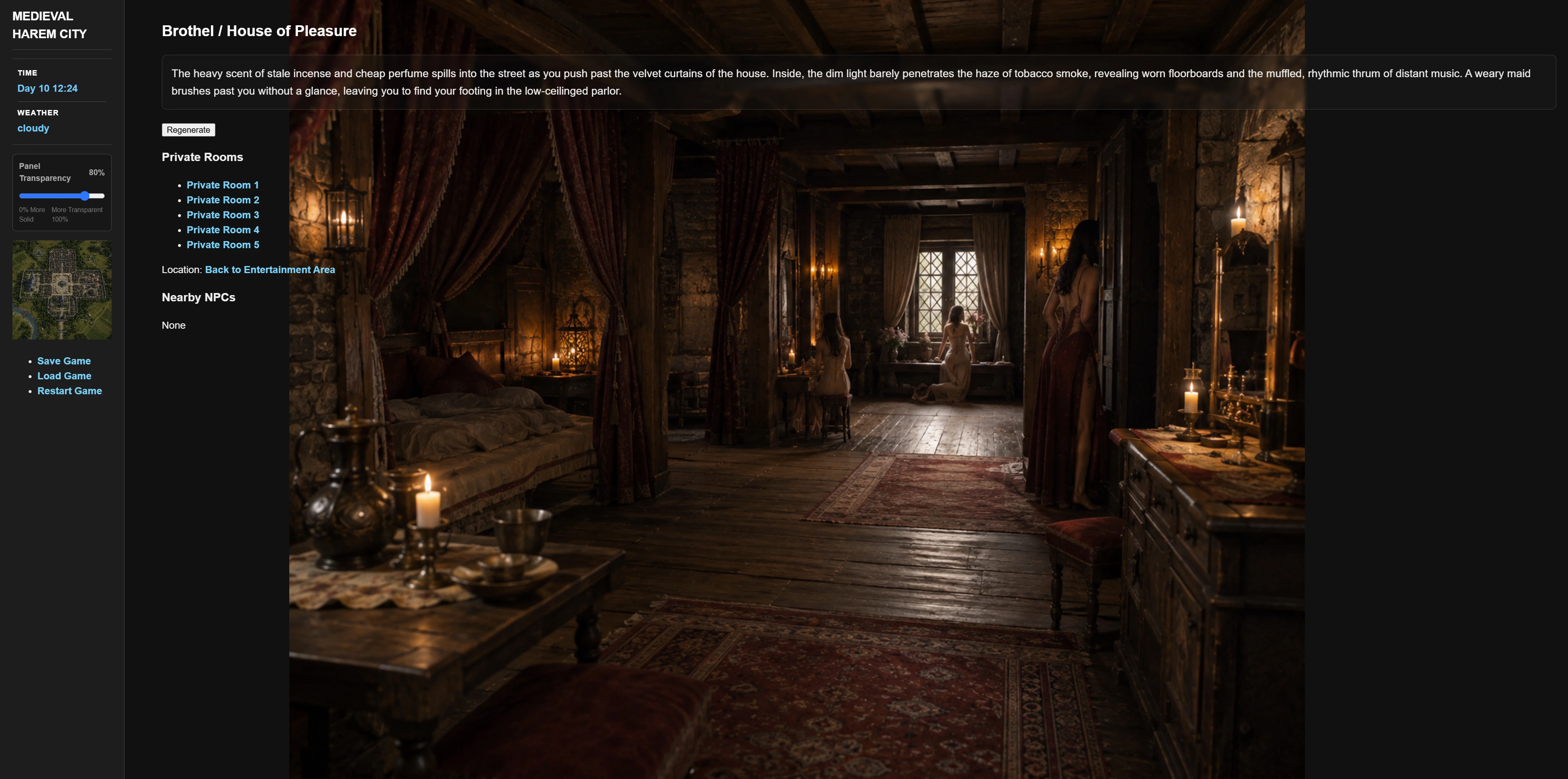
- Brothel unlock reworked: Madame Eveline unlocks the five private rooms right away, followed by a cinematic introduction of the courtesans. A failed narration no longer leaves the Brothel locked.
- Door knocking: NPCs now decide whether to answer the door. If they decline, no one answers.
- UI
- Prologue screen with artwork and name entry.
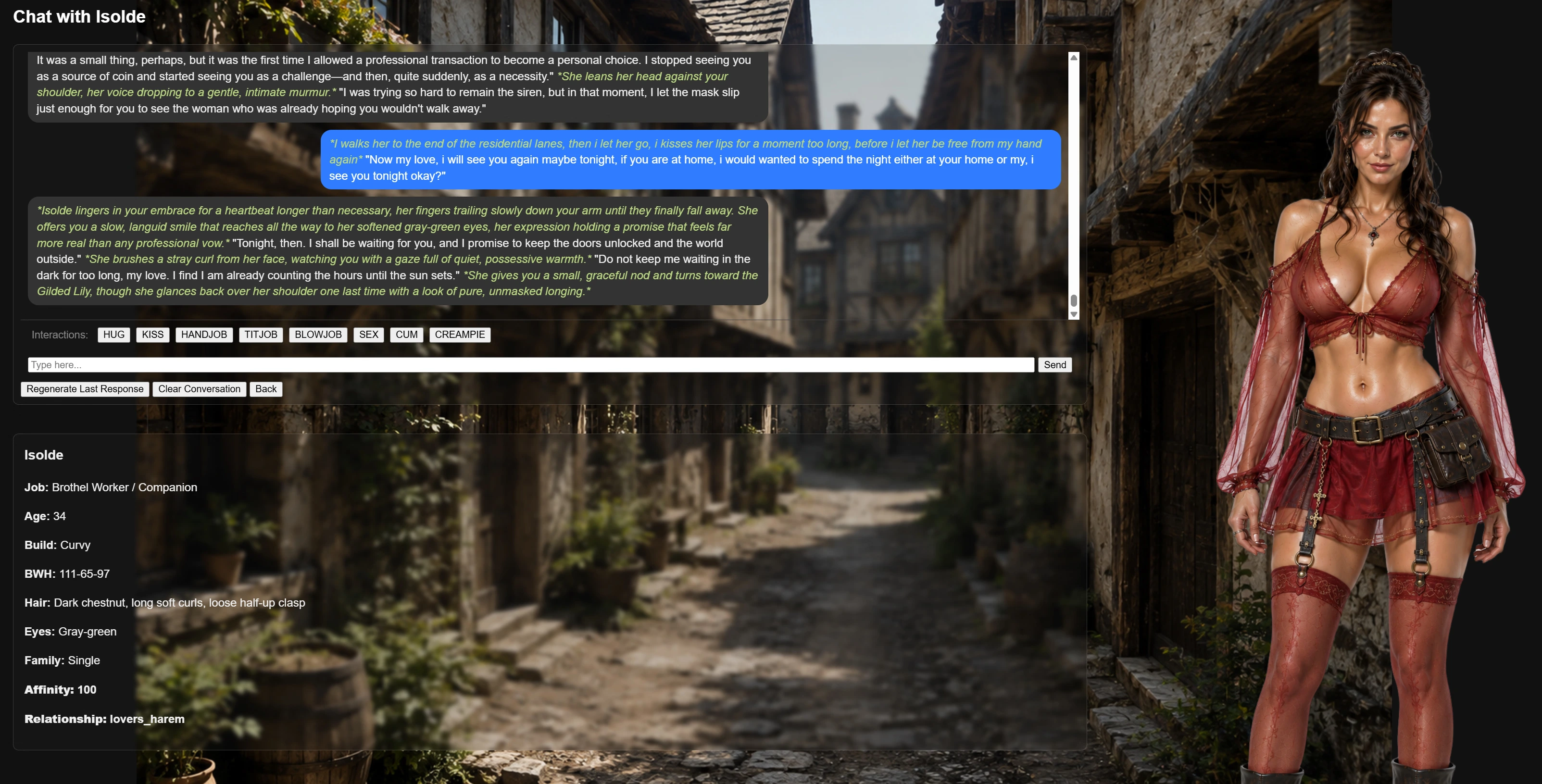
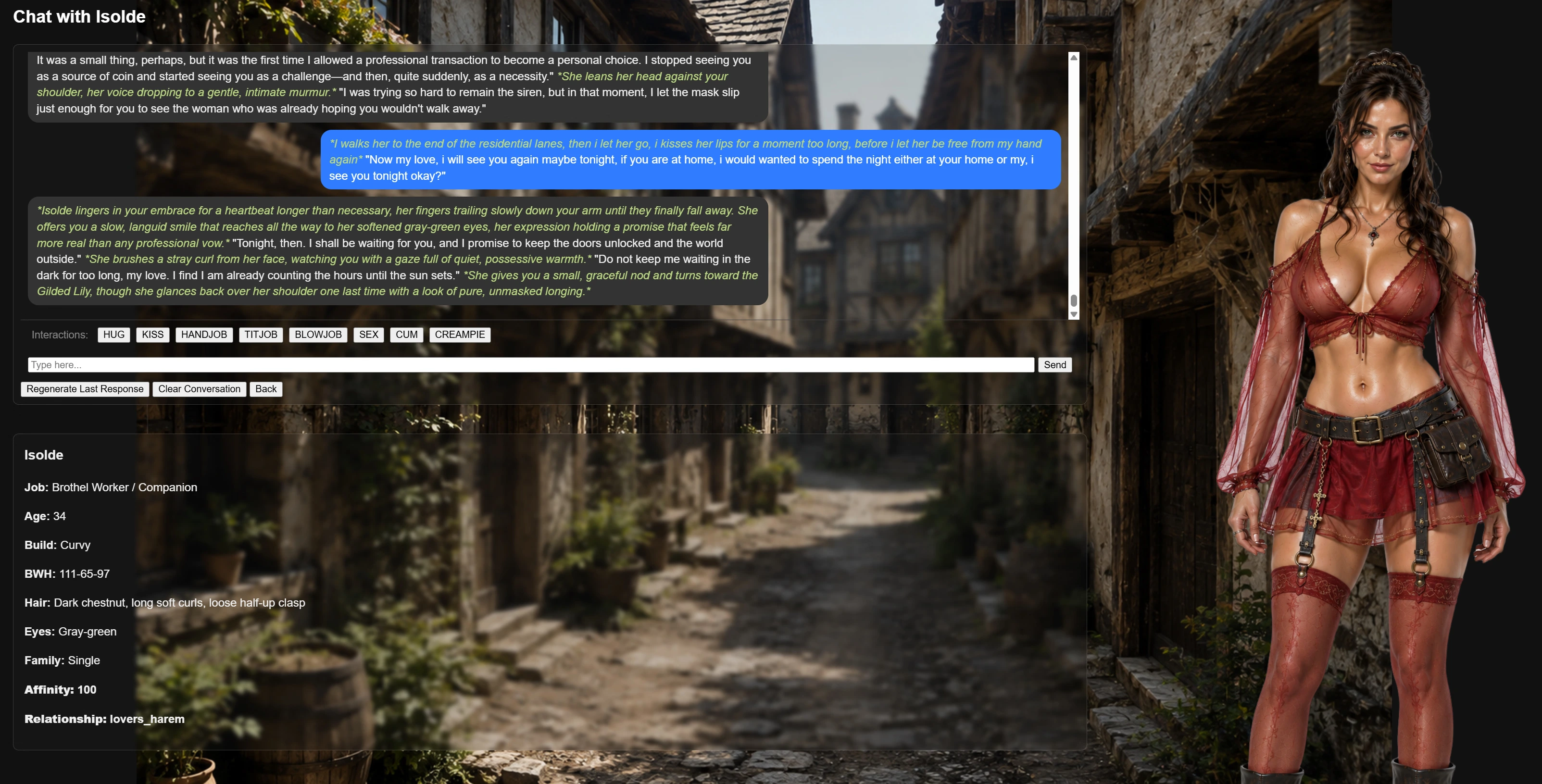
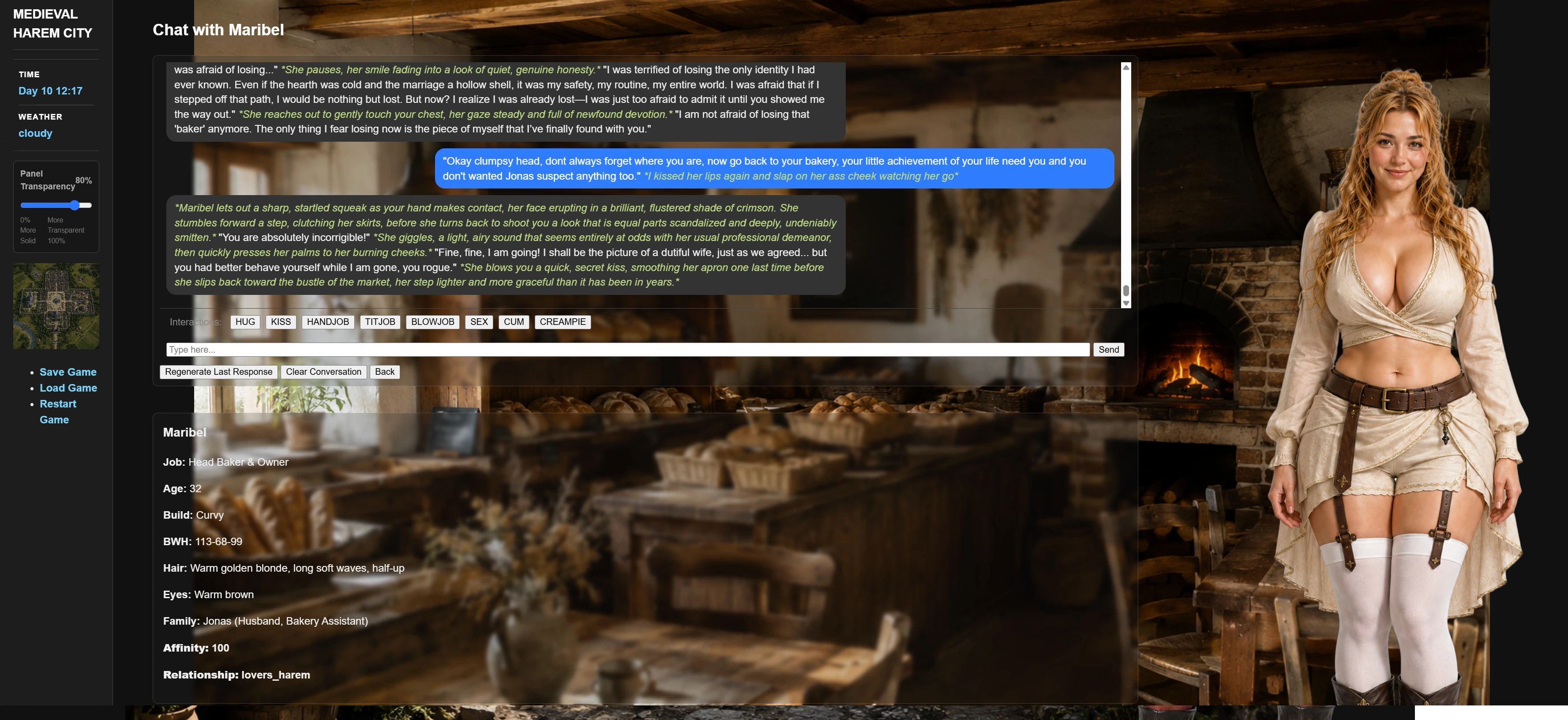
- Quick interaction button bar inside the conversation view.
- Sidebar refreshes right after starting a new game.
Developer Notes
Starting the Game
- Run Start-mhc.bat.
- It will automatically start the local web server and open LLM.html at: `http://127.0.0.1:3000`
- This is required because modern Chrome browsers restrict certain local `file://` access that the game needs.
KoboldCpp
- Select KoboldCpp and enter the host/port provided by KoboldCpp. – Default: `127.0.0.1:5001`
Gemini
- Select Gemini API.
- Enter your API key from Google AI Studio.
Local LLM
- Select Local AI.Choose your GGUF model.
- You can use the small model provided with the download, or get it from Hugging Face: (Link)
- The model is around 2GB. > Important: This is a small model intended to let the game run locally without relying on an external LLM service. > > A 2GB model is, realistically, a baby LLM. Its narration quality is much worse than larger models such as those normally used with KoboldCpp or Gemini. > >(Don’t expect amazing narration from the small local model.) The main purpose is to provide a lightweight, self-contained local option.
- Testing the Local Model
- After selecting your GGUF file, click Test Connection.
- Wait for the model to load and run a small inference test. – Once the test reports that it succeeded, click **Launch Game** and you’re ready to play.
- MHC is currently provided free of charge. If you enjoy the project and would like to support development, you’re welcome to subscribe or donate. There is absolutely no requirement to pay to play.
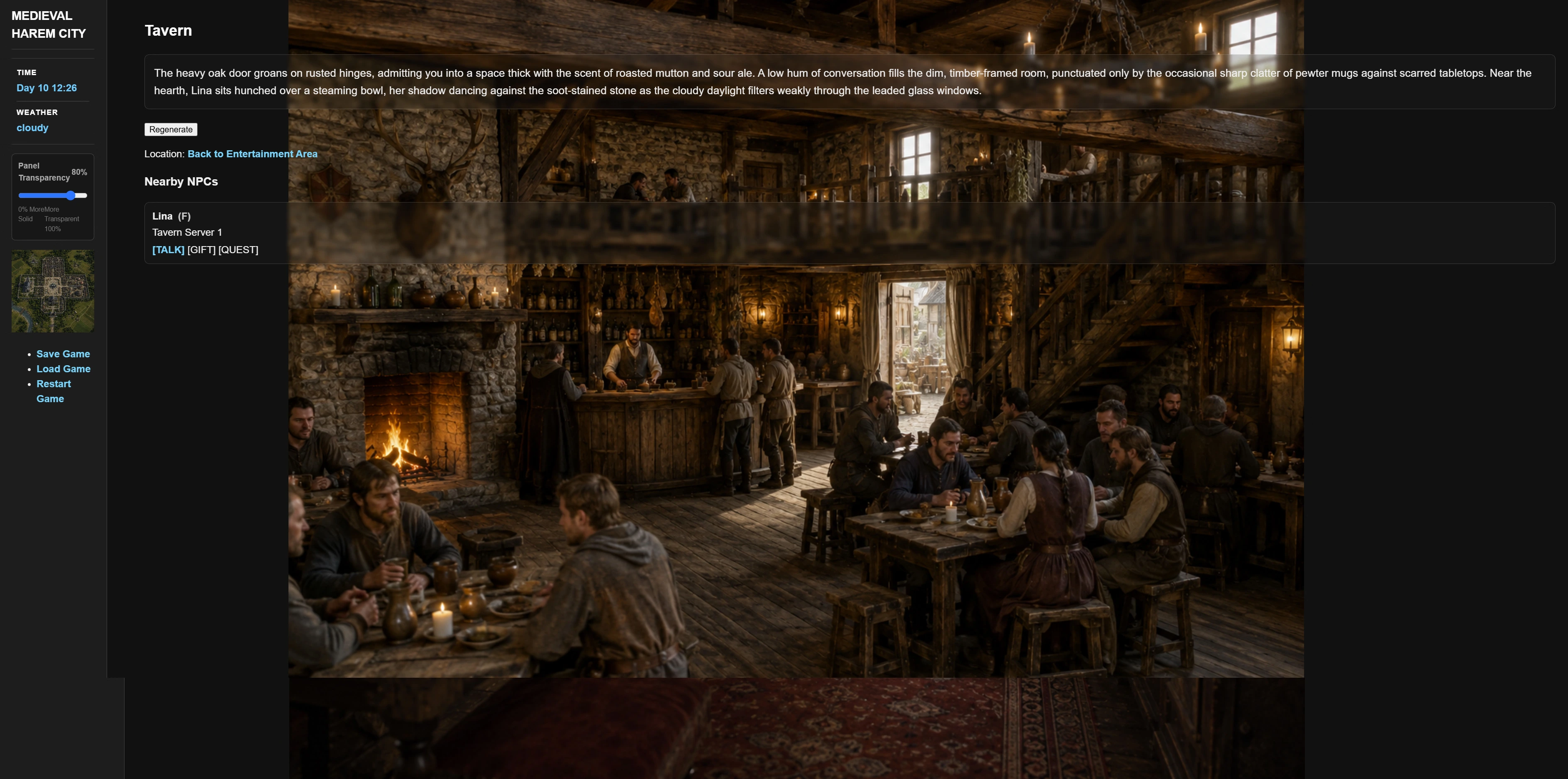
Game Screenshots
Download Game
Windows
Do you like this game?
Click on a star to rate it!
Average rating 3 / 5. Vote count: 2
No votes so far! Be the first to rate this post.
Extra Instruction – After downloaded Local LLM Place inside the unziped Game folder example: C:\MHC, previous development has a models folder inside C:\MHC\runtime\Models\ <- you can place it here.