

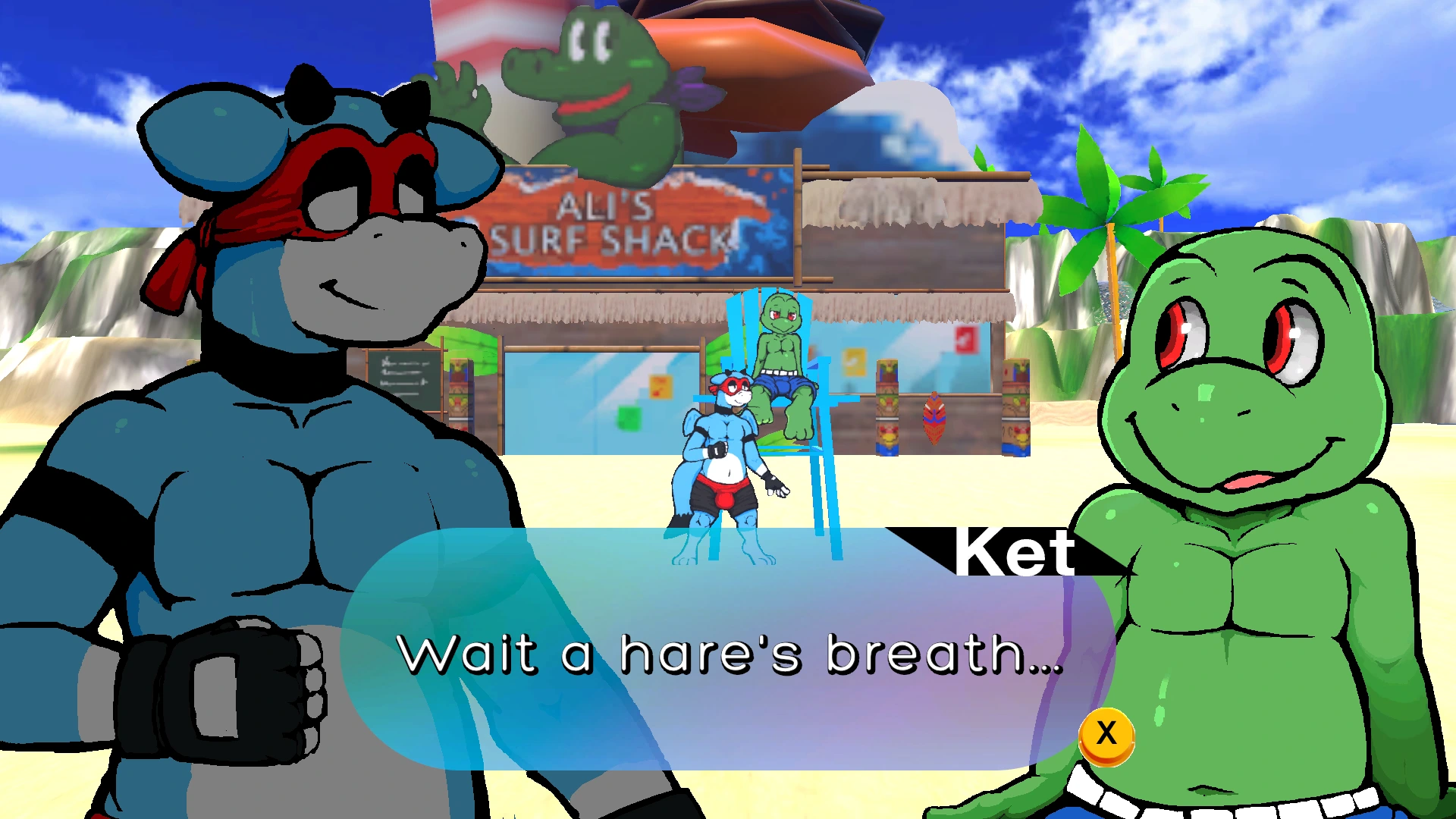
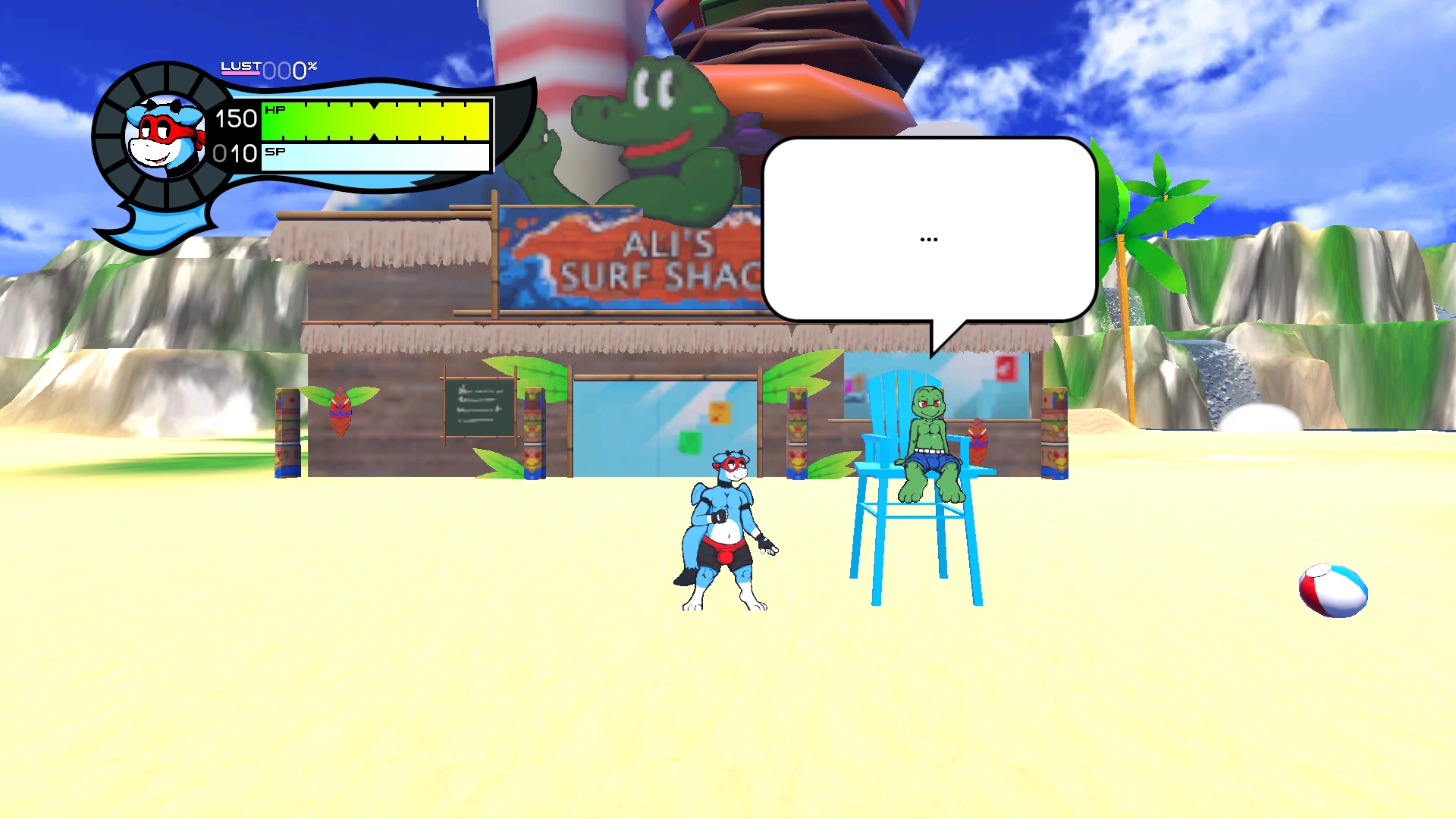
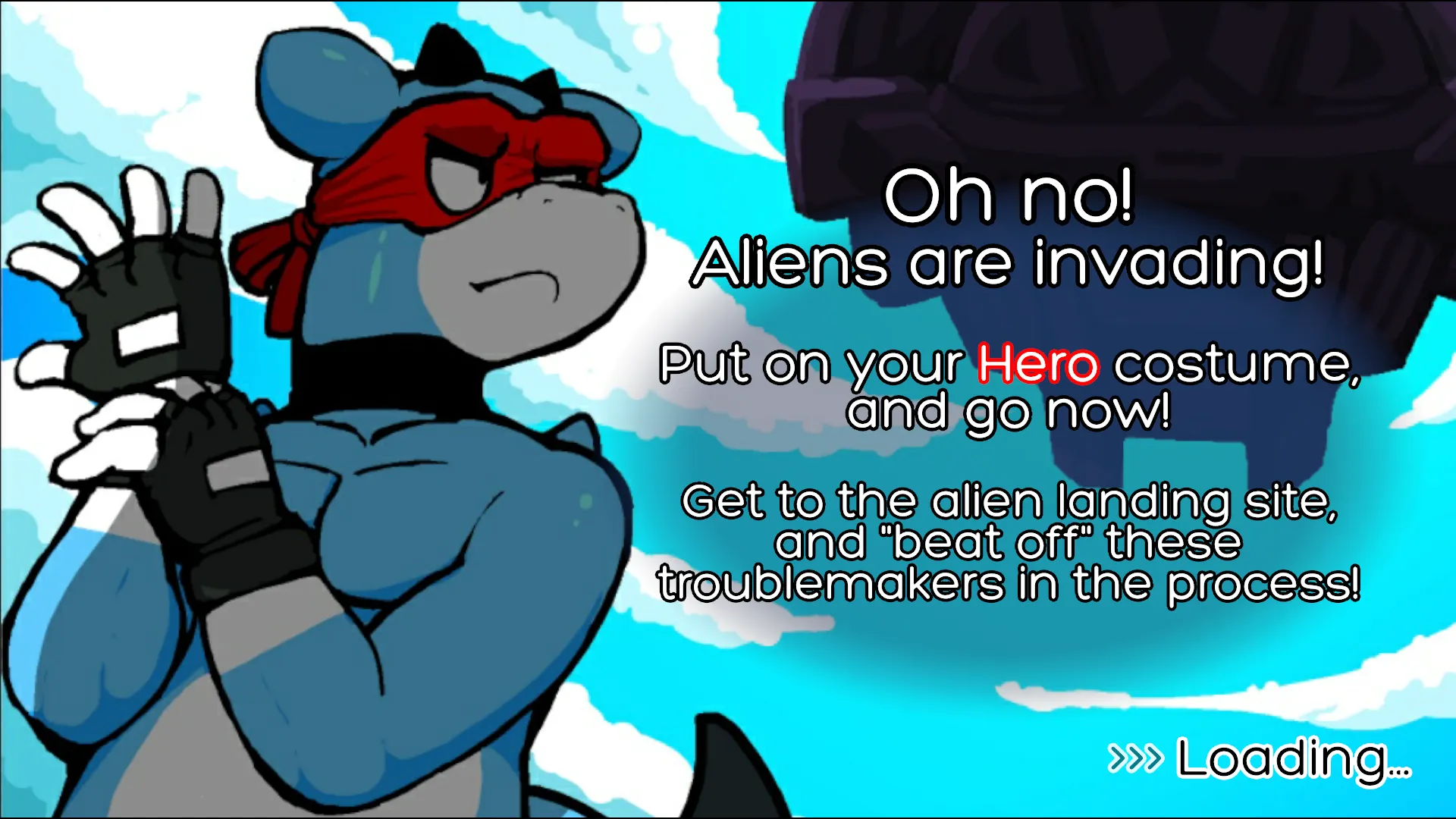
Full Frontal Frog Games released a new game called Oh So Hero! Pre Edition II and the version is 1.12.004. The game’s story is about you playing the role of the dragonesque hero Joe to fight and fornicate with enemies, build intimate relationships with anthropomorphic characters, and embark on a sex-filled adventure to stop the mysterious alien invaders that have wreaked havoc on Joe’s once-peaceful island.
v1.12.004
New features:
- New Water Shader Preview(Win/Mac/Linux only):
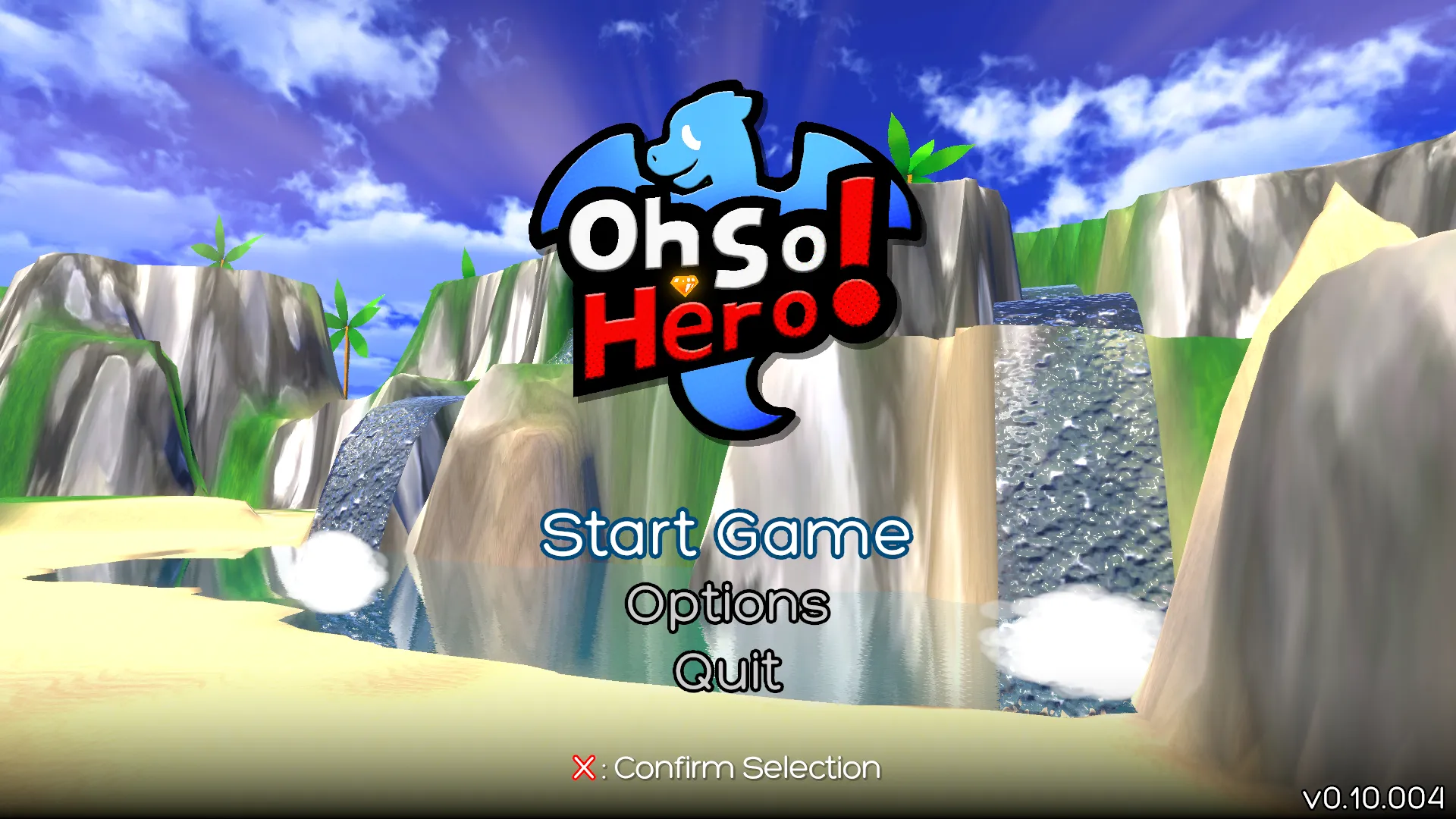
- New water effects have splashed onto the title screen and Sheo Islands Beach as a preview for our new water shader. We are still in the process of customizing this new water shader and implementing it on additional scenes, so you can expect the appearance and performance of water across the game to change over the coming updates.
- If you experience performance issues such as low frame rate, you can go to Options ➜ Visuals ➜ Water Effects, and change the value from Auto or Full to Balanced (good quality), Basic (fast performance), or Legacy (old water shader). Alternatively, you can lower the Graphics Quality, though this currently only affects the new water shader if the Water Effects option is set to Auto.
- Some Mac Intel machines with lower graphical power, such as a 2017 MacBook Air with Intel processor, may experience white flashes on the title screen and the inability to start the game or perform any other actions. This is due to the new water shader added in v1.12. We do have a workaround made for this as well as a staged fix for v1.13.
- Android:will always use Legacy (old water shader). There is no Water Effects option on Android. Unfortunately, the new water shader requires different API support that makes the game unplayable on our primary Android test device. This is a build issue that cannot be handled through an option. In the future, we may assess the possibility of an alternate Android build that targets a higher tier of devices, but there are no current plans to support this new water shader on Android.
Improvements & bug fixes:
- Joe ability adjustments:
- Buffed Joe’s Crescent Moon:
- Added Red’s crescent wind VFX.Increased hitbox range (1.5 ➜ 2 diameter).
- Slightly more damage (15 ➜ 20 HP).
- Tiny bit more knockback (1 ➜ 1.25 force/distance).
- Maintain character momentum during the attack (whether on the ground or in the air).
- Reduced Joe’s Butt Stomp poise damage (10 ➜ 5 Poise). Regular HP damage remains the same (20 HP).
- Knockback calculation adjustment:
- Knockback now relies upon the attacker’s position as the position to be knocked back from whenever the attack is joined to the attacker (e.g. punches). Detached attacks (e.g. projectiles) still use the hit position as the position to be knocked back from. This fixes an issue where punching very close to an enemy (such as a Daku) would propel them toward Joe rather than away from Joe.
- Joe collider adjustments:
- Joe’s collider (bounding box) has been adjusted for consistency with our new level editor and design plans.
- Made Joe thinner (0.5 ➜ 0.4 units wide) so he can squeeze through gaps of 0.5 units wide, but still run across those gaps without dropping.
- Note that this also means Joe now needs to jump sooner when stepping off a ledge to prevent falling!
- Made Joe shorter (0.94 ➜ 0.75 units tall). When combined with the lift and safety cushion of his movement code, this will allow him to run through passages that are 1 unit tall.
- Allow Joe to slide and stand up within passages that are 1 unit tall.
- Item collider adjustment:
- Larger item colliders (0.35 x 0.35 ➜ 0.4 x 0.4 units) so Joe can more easily collect key items with his head (because Joe’s collider is now shorter).
Hiroto Dojo difficulty adjustments:
- Haya: Added cooldown between ninja/sexy star projectiles.
- Haya: Removed knockback from ninja/sexy star projectiles.
- Bax: Removed knockback from bubble projectiles.
- Puca: Reduced HP from 35 to 30.
- Added two life spring auras to Hiroto Dojo (full HP/SP).
- More enemy/boss difficulty adjustments:
- Daku: Removed knockback from and reduced hitstun of lust attacks/projectiles.
- Lono’e: Buffed Kick Attack: Move forward ~0.5 units upon kicking.
- Bates: Buffed Hearts Attack: 50% faster Heart Meteors upon descent.
- Bates: Updated boss max lust defense debuff. It now gives Joe 30% increased poise damage in addition to the original 30% increased HP damage, providing some compensation for Joe’s Butt Stomp poise damage reduction.
- Fix for Bates bugs T#211 & T#260.
- Credits Update:
- Updated asset credits.
- Patreon & Substar Credits Update~
Unity 2022 upgrade:
- Upgraded Unity from 2021.3.45f2 to 2022.3.62f3 (LTS).
- Rewired (controller support) upgrade:
- Upgraded Rewired from Version 1.1.60.2.U2021 to Version 1.1.62.7 – March 23, 2026 (Unity 2022).
In-game visual fixes/improvements:
- Damage numbers have revised animations with scaling that also fan out horizontally from the attacker. These are visible if you have the Abacus item skill.
- Fixed lighting on loot gems (removed darkness/shadows).
Trailer Mode fixes/improvements:
- Trailer Mode (“T” key) hides UI elements during gameplay and dialogue (the dialogue text will always be visible). This is a useful tool for making trailers of Oh So Hero!
- There are a couple visual elements not managed by Trailer Mode that can be toggled separately:
- Damage Numbers can be turned on/off in the Skills menu (pause game ➜ Skills).
- Fixed Trailer Mode bugs T#258 & T#259.
- Improved Trailer Mode behavior to hide even more UI elements but still show essential elements.
- Additional improvements to game over screen and skip cutscene prompt.
Mouse cursor fixes/improvements:
- New functionality: Always On & Always Off.
- Visible When Paused now shows the cursor on the map and other menus.
- Fix: Enabling and disabling touch controls will not immediately restore the mouse cursor if it was visible before.
Android/touch fixes/improvements:
- Removed the title screen back button. Instead, you can now click/tap on the main menu corner banner to go back to the full title logo.
- Added a touch controls preview button to the Options screen (controls category only). The touch control buttons will now overlay the options only while this is toggled on.
- Made option screen value arrows slightly easier to press. See known issues for a followup.
UI fixes/improvements:
- Fixed area name (title) layering when pausing the game.
- Fixed the “Options” text getting bigger and bigger on the title screen T#261.
- Fixed black text on black background for category buttons in the options screen when clicking/tapping on option value selection arrow buttons.
- Always show the back button on the options screen (for mouse or touch).
- Updated mashout hold and rhythm meter prompts.
- Smaller keyboard input glyphs (they were too big).
- Fixed speech bubble dialogue carryover between NPCs.
- Stopped speech bubble writing while the game is paused.
Unused player fap mode input update:
- Removed unused “player fap mode” input (“F” on the keyboard). This was intended for a conceptual gameplay pause feature that had most of its ideas implemented into the Gallery instead. Since the feature was never worked on, and we have no plans to work on it in the near future, we are removing the input since it conflicts with Tactical Stance (“F” on the keyboard; used for throw moves).
- Do not confuse this with “Fap on Command” / TheOne™ Cock Ring / JO ability. Fap on Command remains intact. (For those who are still out of the loop, by the release of v1.00, the “L” debug key was replaced with an in-game item [TheOne™ Cock Ring] that allows you to max your lust to 100% at any time by pressing Down + Sex after acquiring said item.)
- The following are fixes made after our Unity 2022 upgrade, so they may have been internal issues related specifically to that upgrade and not issues in v1.11 or earlier:
- Fixed screen resolution option value’s frame rate (don’t show fraction of a Hertz).
- Fixed invalid PlayStation input localization keys.
- Fixed missing item/skill names.
- Fixed inventory screen paginator in standalone builds.
- Fixed enemy AI.
- Fixed camera scrolling when entering a new scene.
- Fixed sexy switch camera framing on elevators in Treewish Forest.
- Fixed Korko’s speech bubble over his dialogue menu.
- Fixed camera clipping on Bates ending cutscene.
- Fixed Amarus at Sheo Islands Beach.
- And even more fixes that are too trivial to list!
Known issues:
- T#272: Some Mac Intel May Not Work / Water Shader
- T#262: On Windows and macOS, there are multiple issues with the water. Changing Water Effects to Auto, Balanced, or Basic during gameplay does not apply all of the appropriate effects and requires quitting and re-entering gameplay to make the water to display correctly. The same occurs if changing Graphics Quality while Auto/Balanced/Basic is selected. Furthermore, Auto/Basic/Balanced do not apply all of the effects on the title screen. On some Macs, it may not be possible for the appropriate effects to display at all while Auto/Basic/Balanced is selected. These issues do not affect Full or Legacy (or Auto with Graphics Quality 5, which is effectively Full).
- T#263: On Android, in the Options screen, tapping the “<” & “>” buttons to change option values can still be difficult since the buttons are so small (it is an improvement over v1.11, but not by much). The next version will have much larger buttons to tap on.
- T#264: Damage numbers sometimes jiggle slightly after they land (often during throws).
- T#265: Black transition overlay and Pause menu issue
- T#266: One-way collision fall-through issues
- T#267: Pausing game reset’s Joe’s momentum
- T#268: Joe stuck in falling animation
- T#269: Fall-through floor spot in Hiroto Dojo
- T#270: Buggy Bates positioning
- T#271: Bates stuck spinning when thrown down near edges of the battlefield
- T#273: Joe’s sprite is slightly darker than usual on Sheo Islands Beach due to a character light source being disabled.
- T#274: Forced Game Over upon getting double grabbed frame 1
- T#276: Higher jump on springs
- T#275 (Unity Editor Only): Lood City Park Water Reflections Are Buggy
- All Known Issues
Do you like this game?
Click on a star to rate it!
Average rating 4.3 / 5. Vote count: 149
No votes so far! Be the first to rate this post.