
About This Game
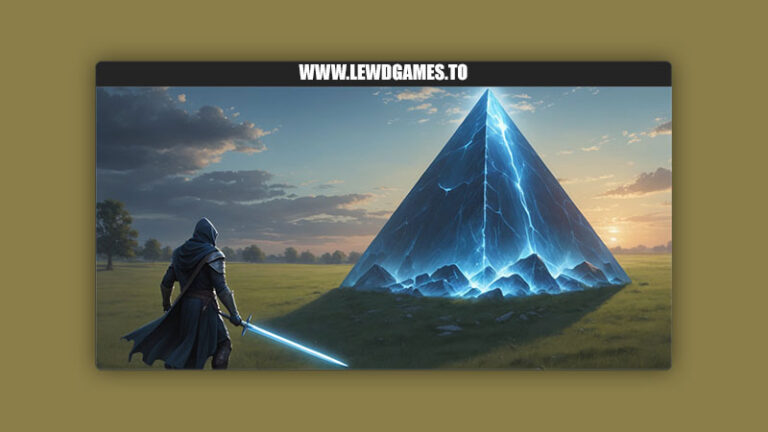
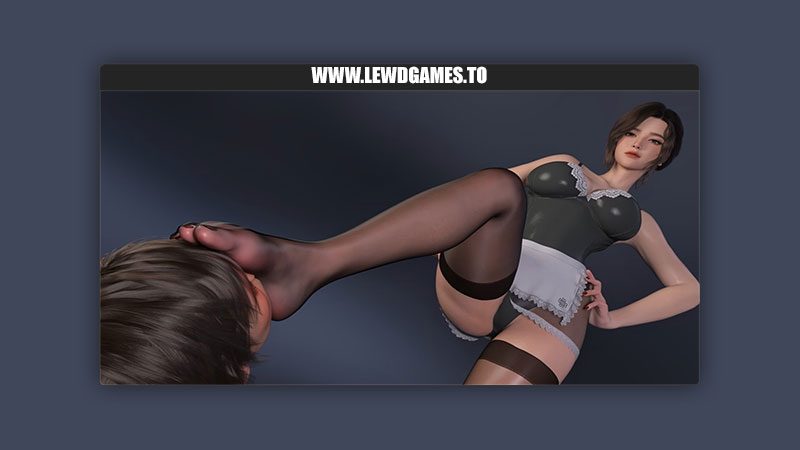
footman Games released a new game called Veloria’s Whisper and the version is 2.0. The game’s story is about A treasure hunt in the abandoned Veloria manor ends up uncovering dark mysteries and much more
Developer
footman
Version
2.0
File Size
4.47 GB
Censored
No
Language
English
Platforms
Windows
Game Version ChangelogLatest
No changelogs provided
Developer Notes
- hi everyone, after some time of hard work, I have finally rushed out the demo.
I have to say, this demo will show more than the previous game demos, it accounts for about 20%. - The demo is still in the testing stage, I will optimize, modify and supplement it during this period, and I will release the official version after a while. (But it is not the complete version, the complete version still needs at least 1 month, if you mind that it is not complete yet, please do not purchase)
- About this game, it is a puzzle game, but the difficulty is currently relatively simple, after all, the focus is on certain places haha.
I have been thinking about the game’s background and framework for a long time, the part shown now may not be enough for you to understand it, but I will complete it in the official version. - Also, the new puzzle content in the later part of the game will be different from before, I think each place has some interesting points, of course, it won’t make you too embarrassed.
I plan to add the gallery function in the official version, and may modify and optimize some functions and icons at that time.
So, first of all, thank you for trying it out and for your support. If you have any suggestions or ideas about any aspect of the game, please tell me, this is exactly the purpose of me releasing the demo. - Some notes about the game:
- (1) After the game officially starts, the inventory, save and load are in the top-left corner, you can click the icons directly to use them.
(2) I have only made simple placeholders for the endings so far, they will be improved later. I plan to make 5 endings, among which 3 endings are further divided into 3~5 different content endings.
(3) In CG scenes, press C key to hide the dialogue; in map scenes, when you face an interactable object, facility or other interaction point, an interaction prompt will appear in the bottom-right corner. (In order to make it more consistent with puzzle games, I did not add highlights to every interaction point, of course this may test your patience haha.)
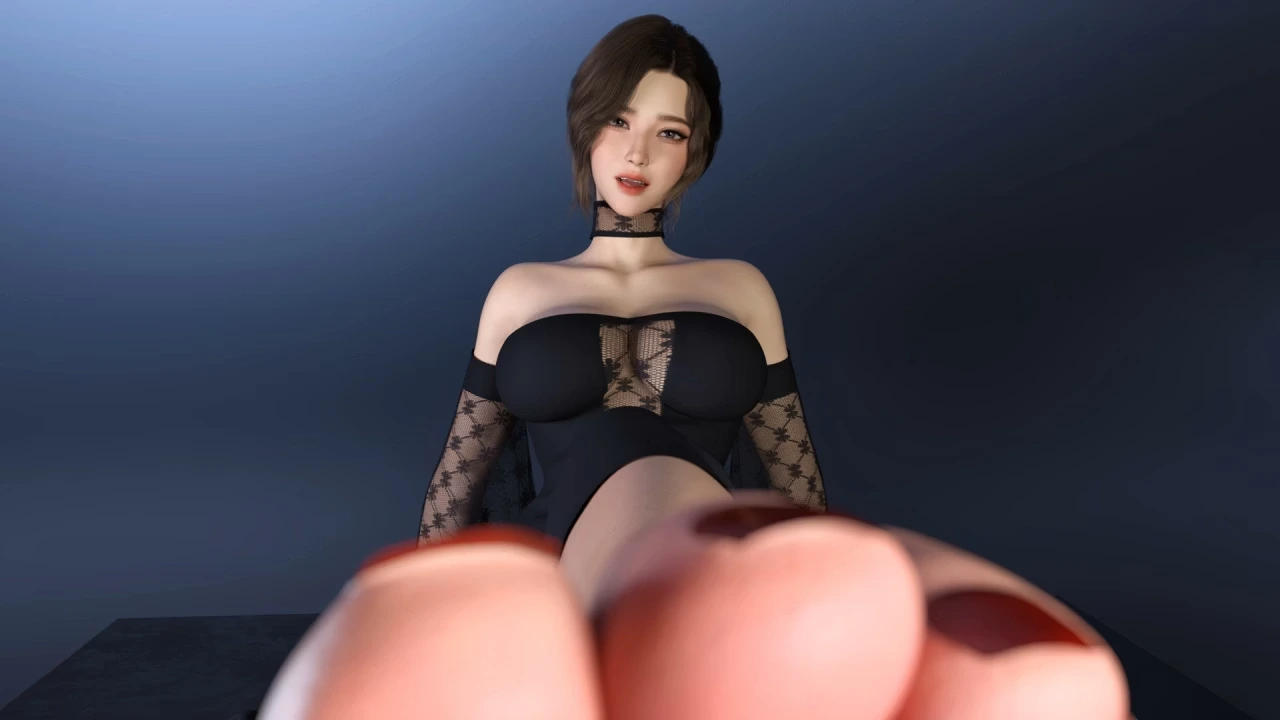
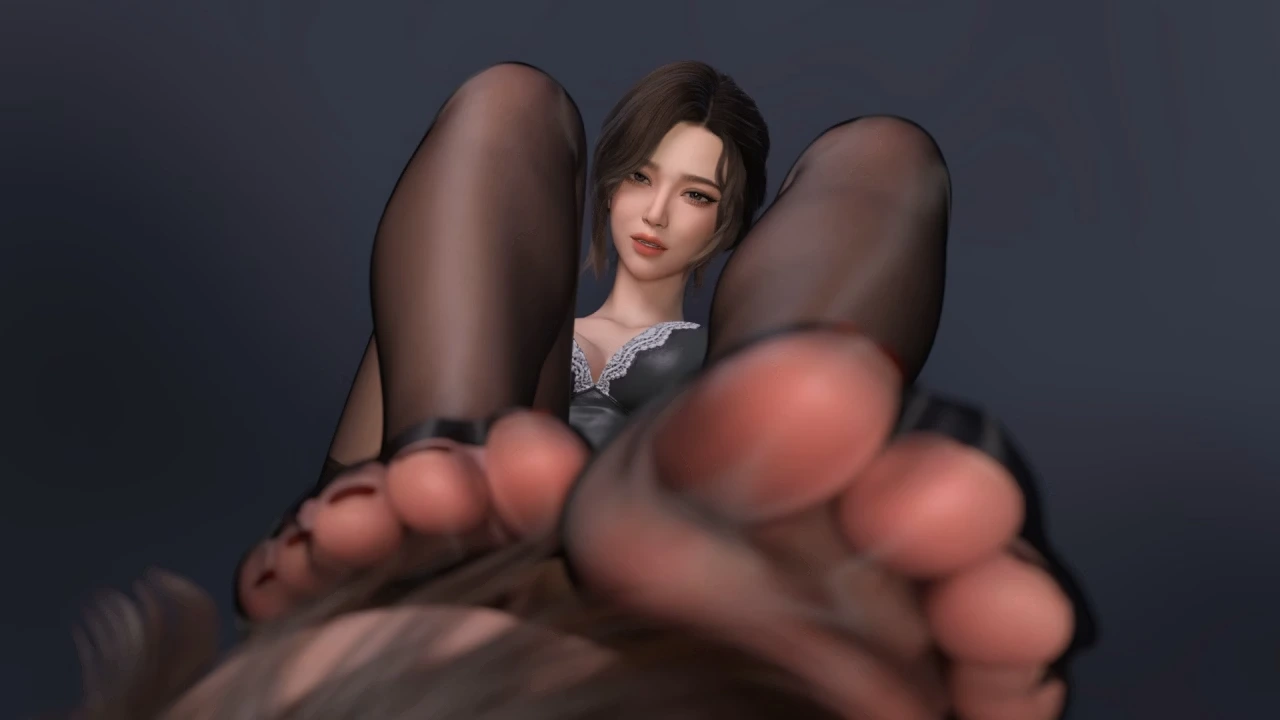
Game Screenshots
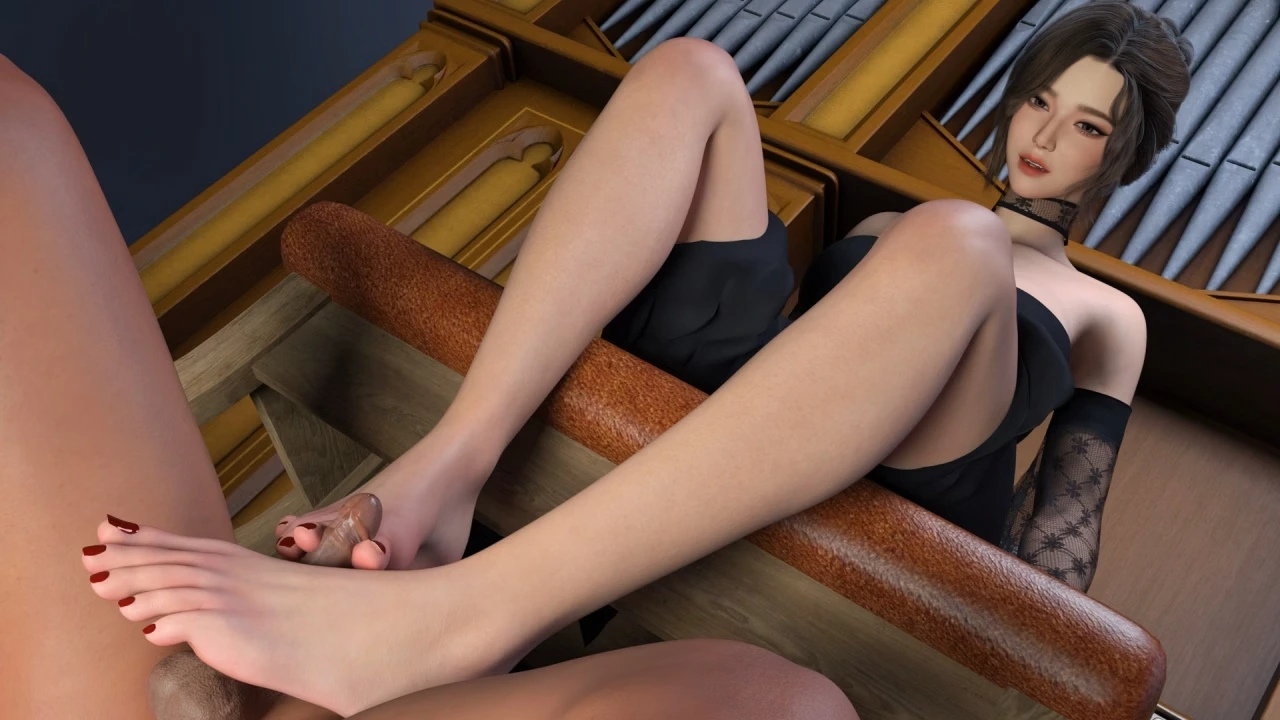
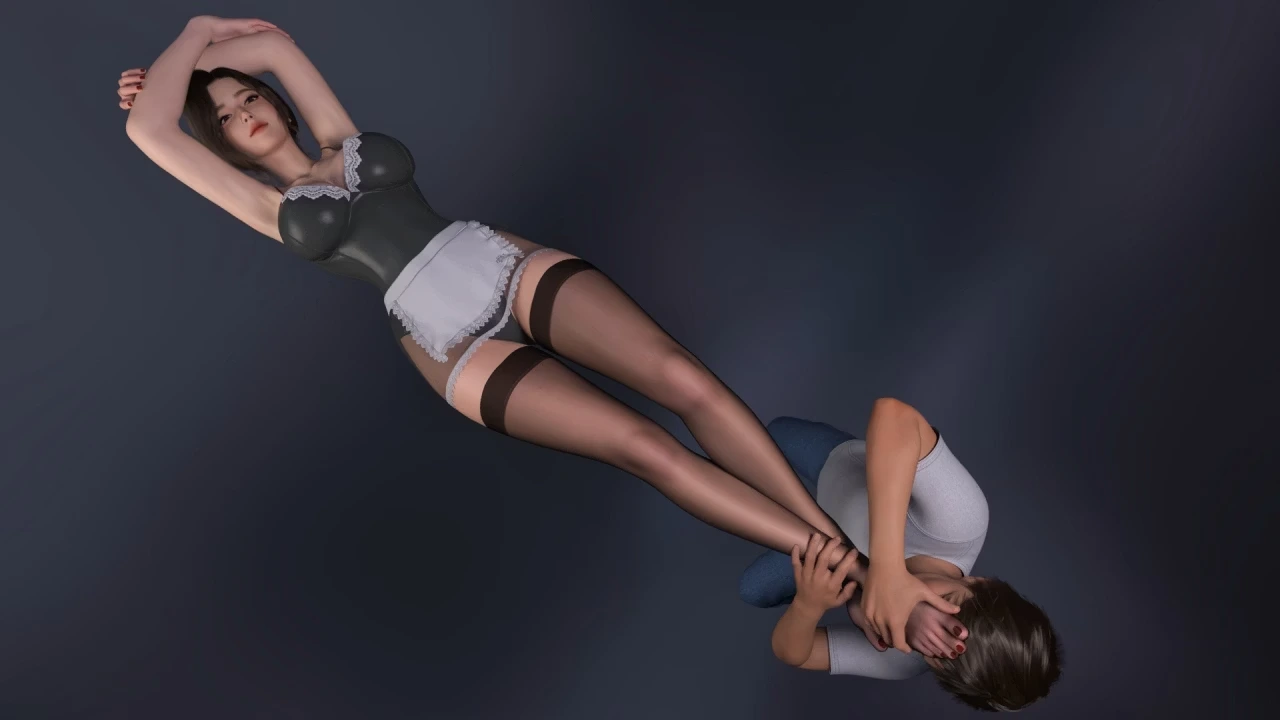
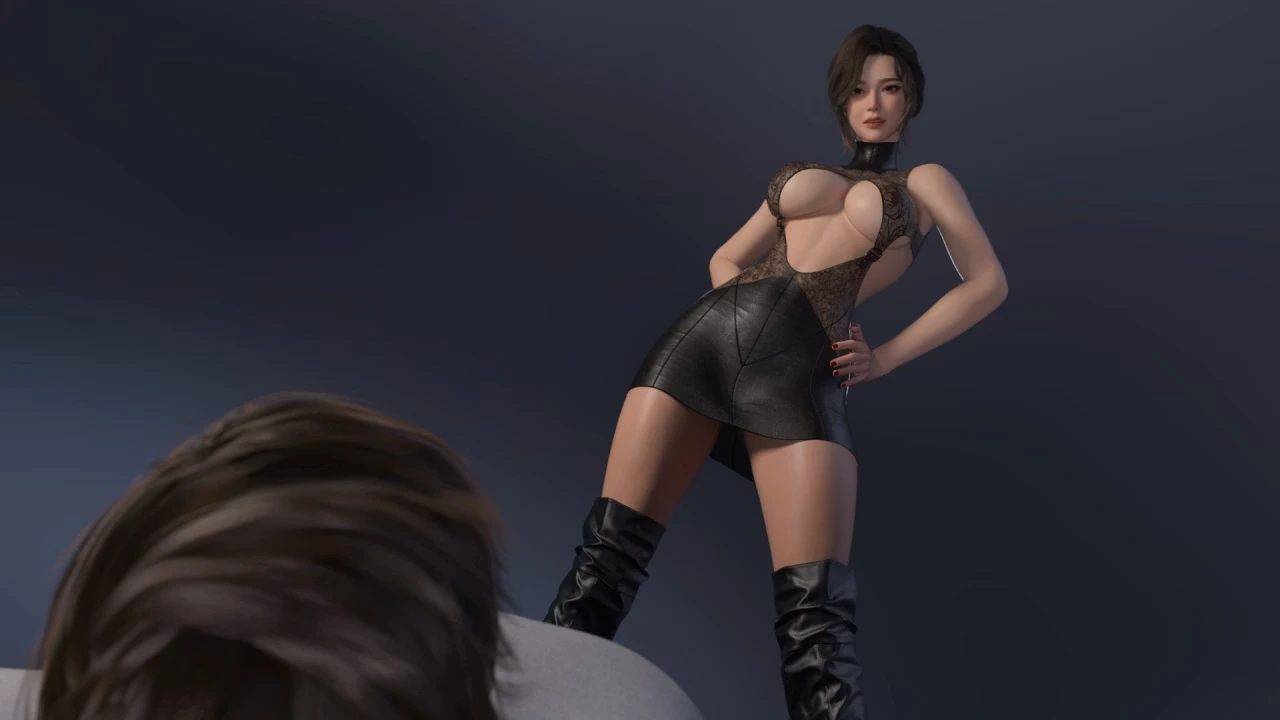
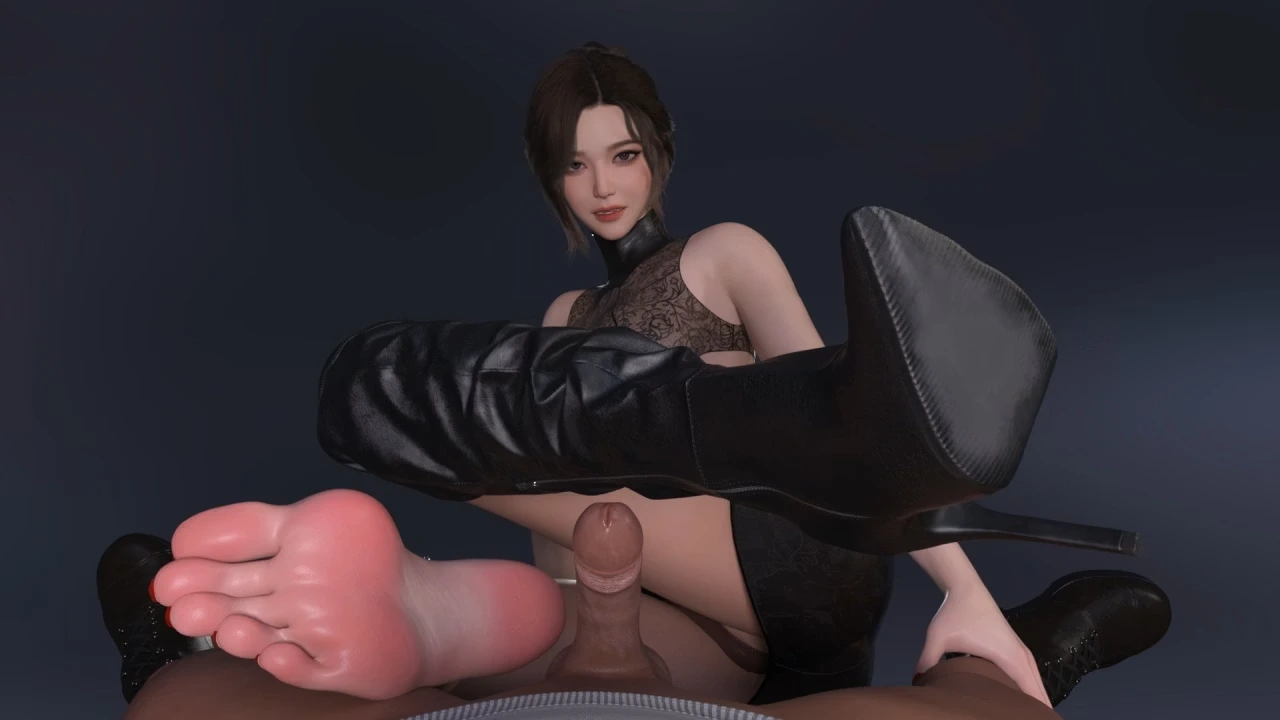
Download Game
Windows
Do you like this game?
Click on a star to rate it!
Average rating 3.2 / 5. Vote count: 15
No votes so far! Be the first to rate this post.