1. Visual C
If the game or the AI fails to start, run “VC_redist.x64.exe” once, then reboot. Skip if you already have it.
2. Don’t move folders
The llama folder must stay next to the exe:
3. Play
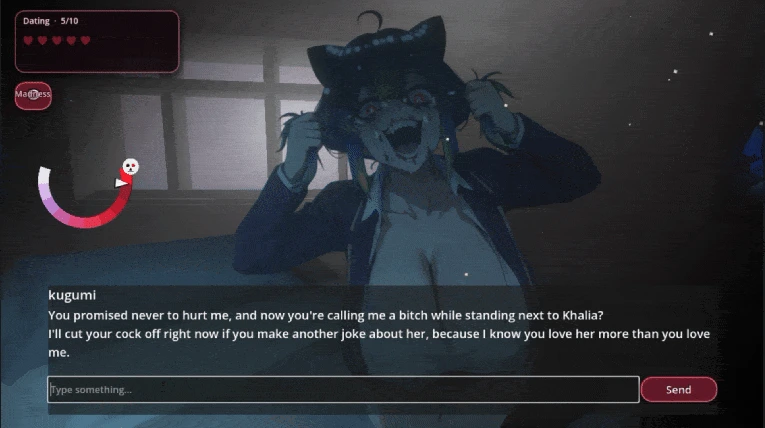
Open the “Yandere Nympho2.exe” → pick the model → Load model → wait until it is ready. New Game stays locked until then.
4. Other models
Drop any .gguf into \Models and select it in the menu. The demo is built for the 4B Q4 file above.
5. Speed
Reply time is your PC, not the game. Close Chrome and other heavy apps. First answer is slower; the next ones are usually faster.
6. Requirements
- Windows 10/11 64-bit
- NVIDIA GPU required. No GPU = cannot play.
- Minimum: 6 GB VRAM (RTX 3050 / 4050 6 GB) or similar AMD
- Recommended: 8 GB+ VRAM (RTX 4060 / 4070) and 16 GB RAM or similar AMD
I tested many uncensored models. The included Qwen3.5-4B-Uncensored-HauhauCS-Aggressive-Q4_K_M was the best result for the lowest cost. It can still sound dumb on some replies.
If your PC is stronger and you want better answers, try:
- Qwen3.5-9B-Uncensored-HauhauCS-Aggressive-Q4_K_M.gguf
- Drop it in llama-b10088-bin-win-cuda-12.4-x64\Models and select it in the menu.
The game is still in development. I will keep improving the prompts. You can talk about anything; there is no censorship.
This is a demo. There is no autosave.