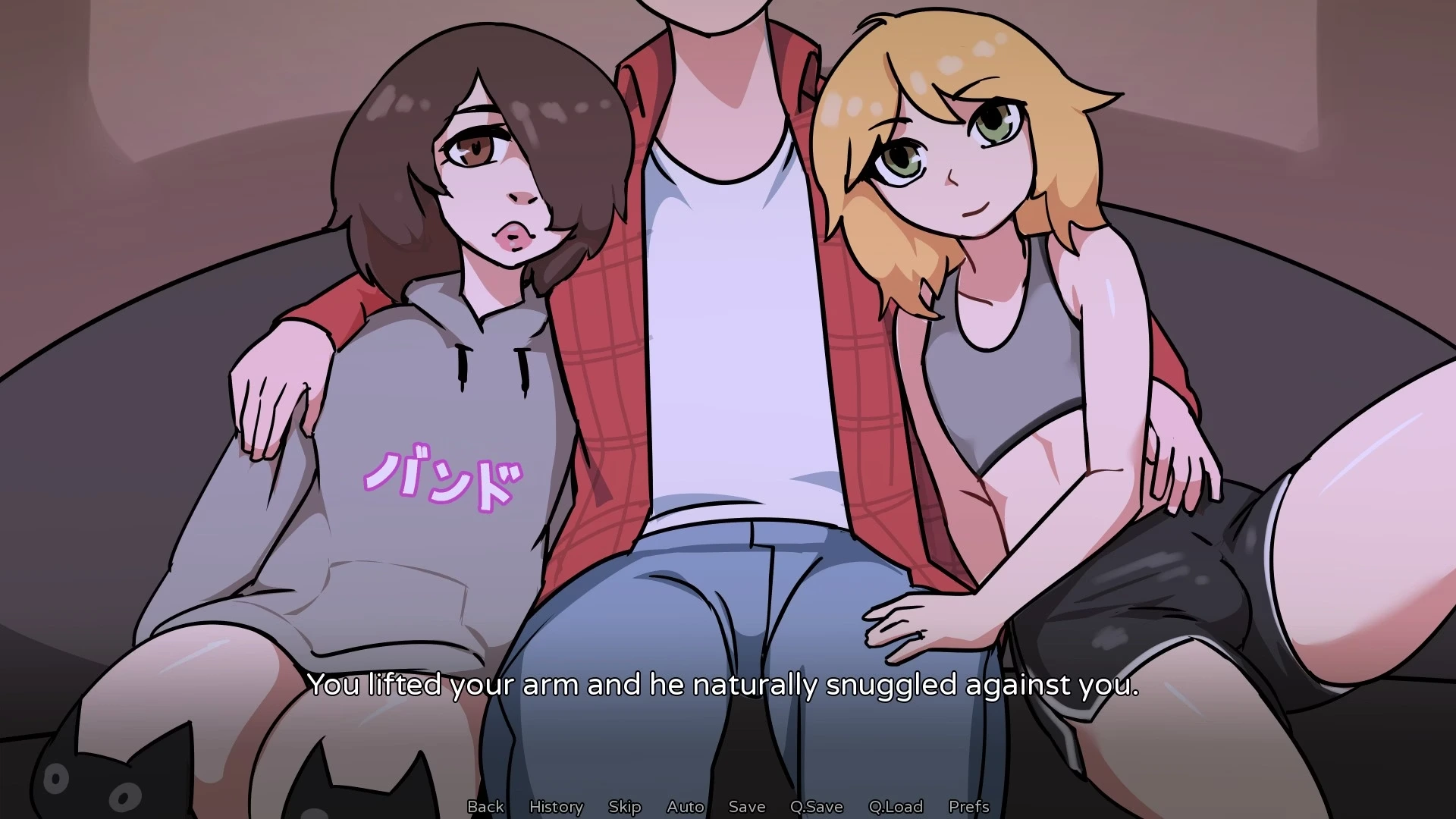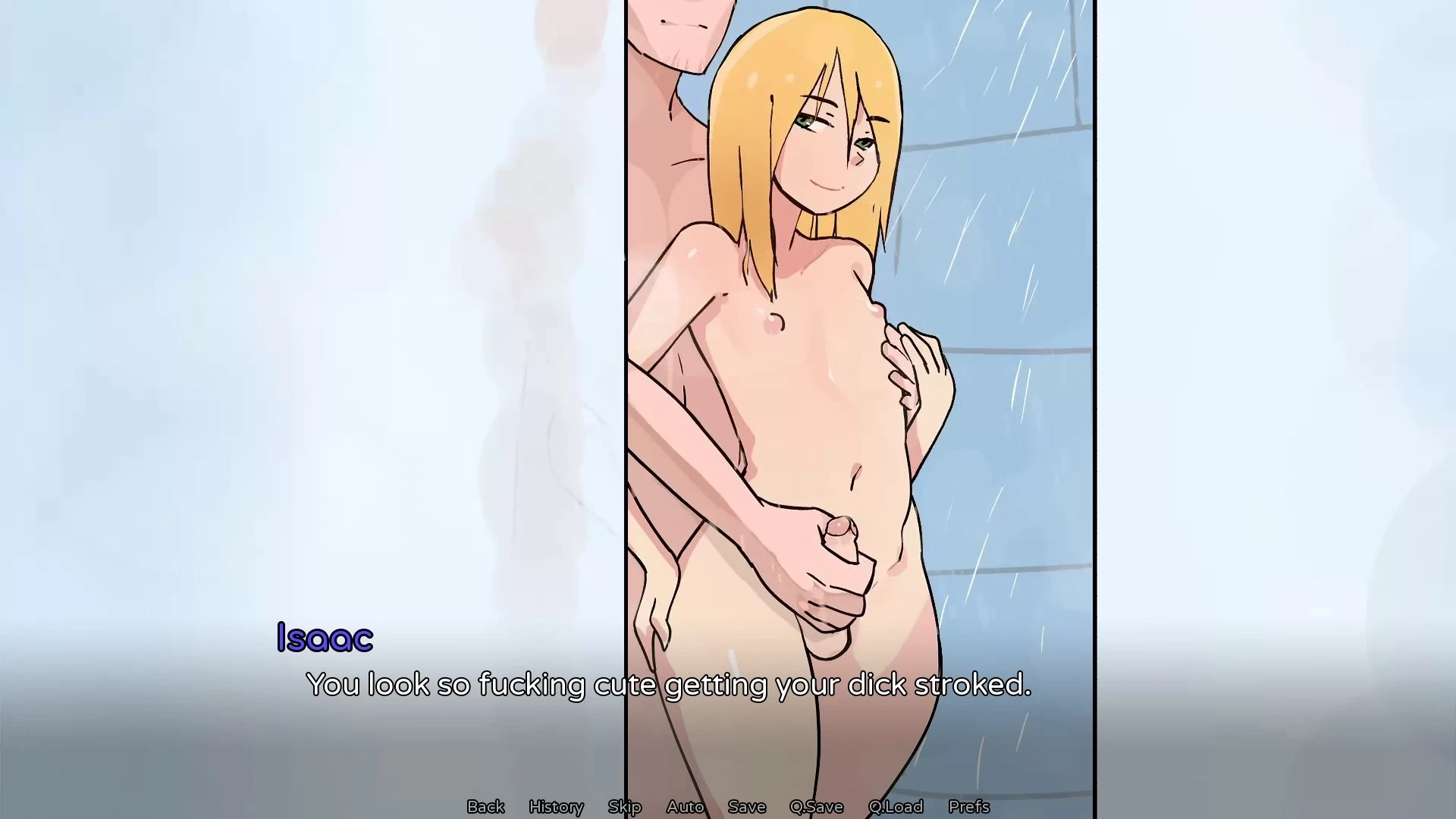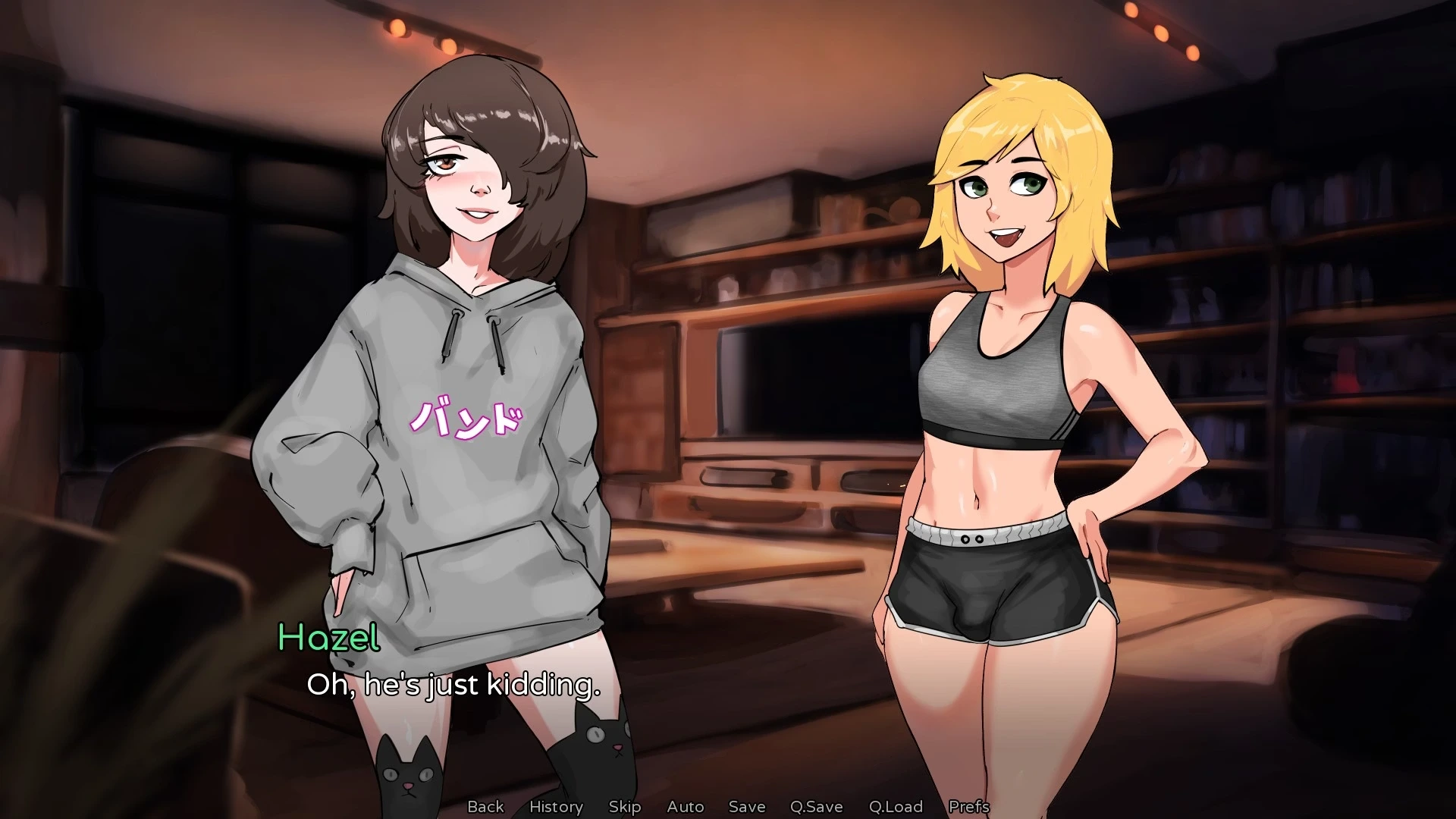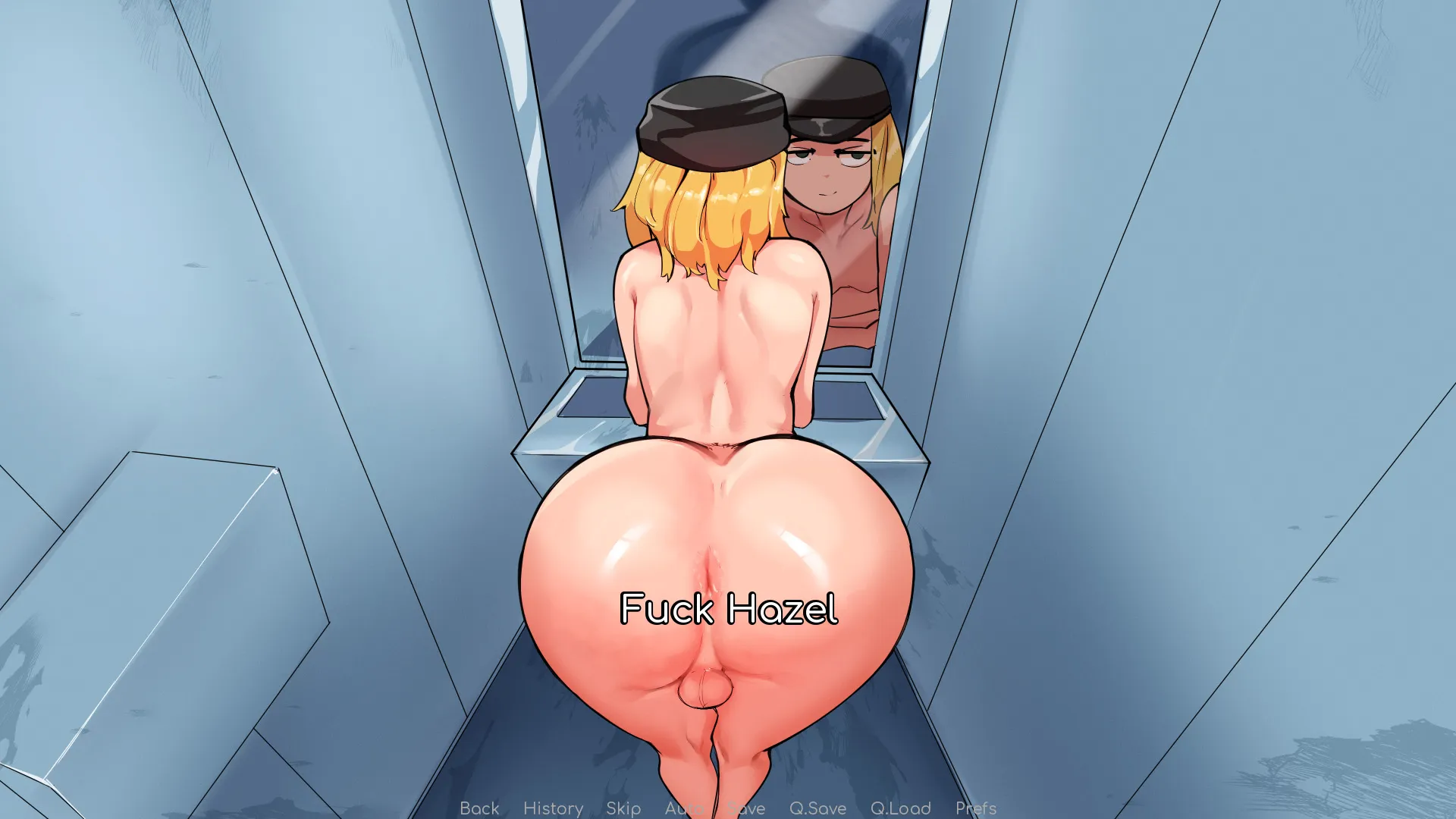
About This Game
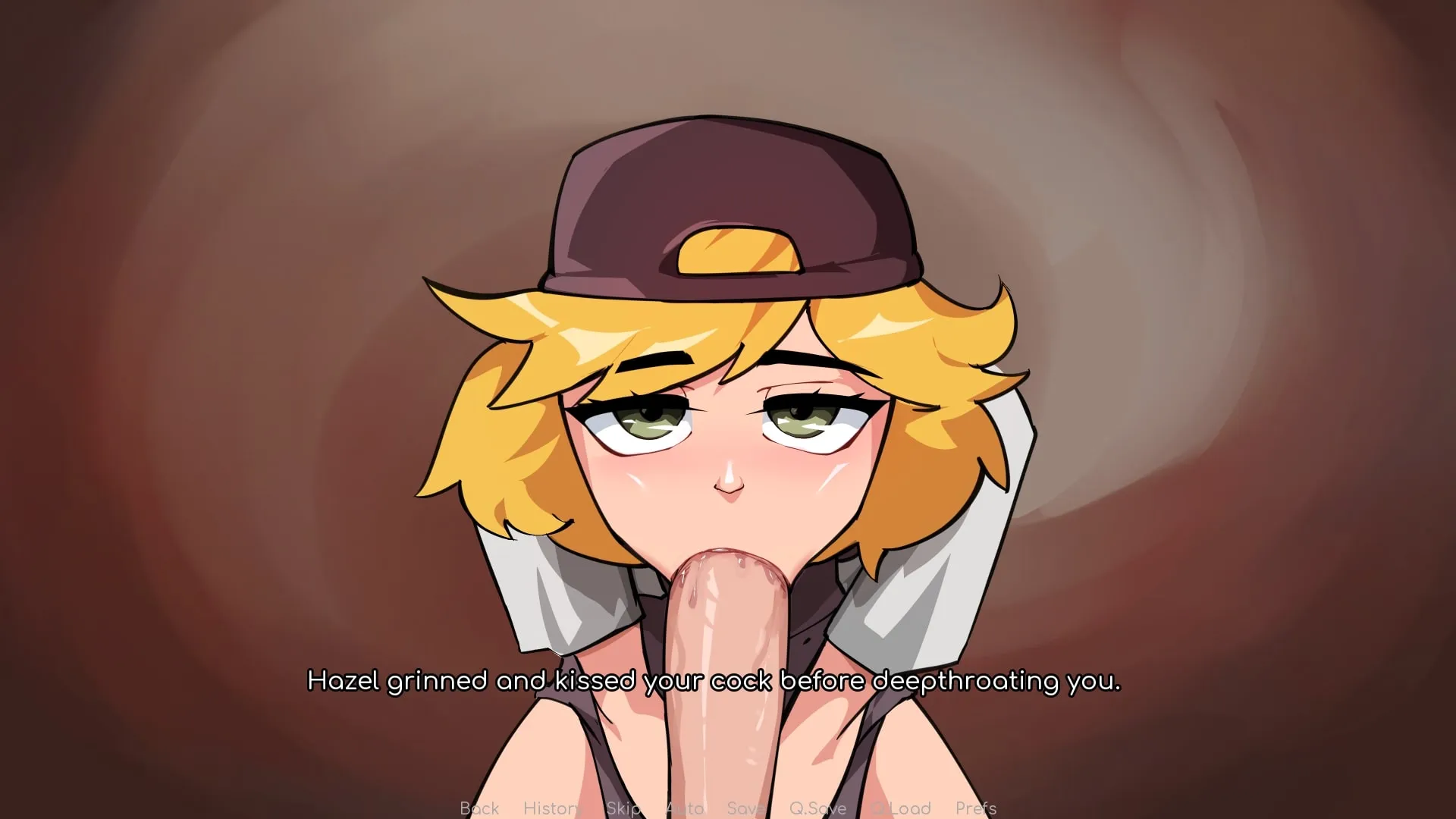
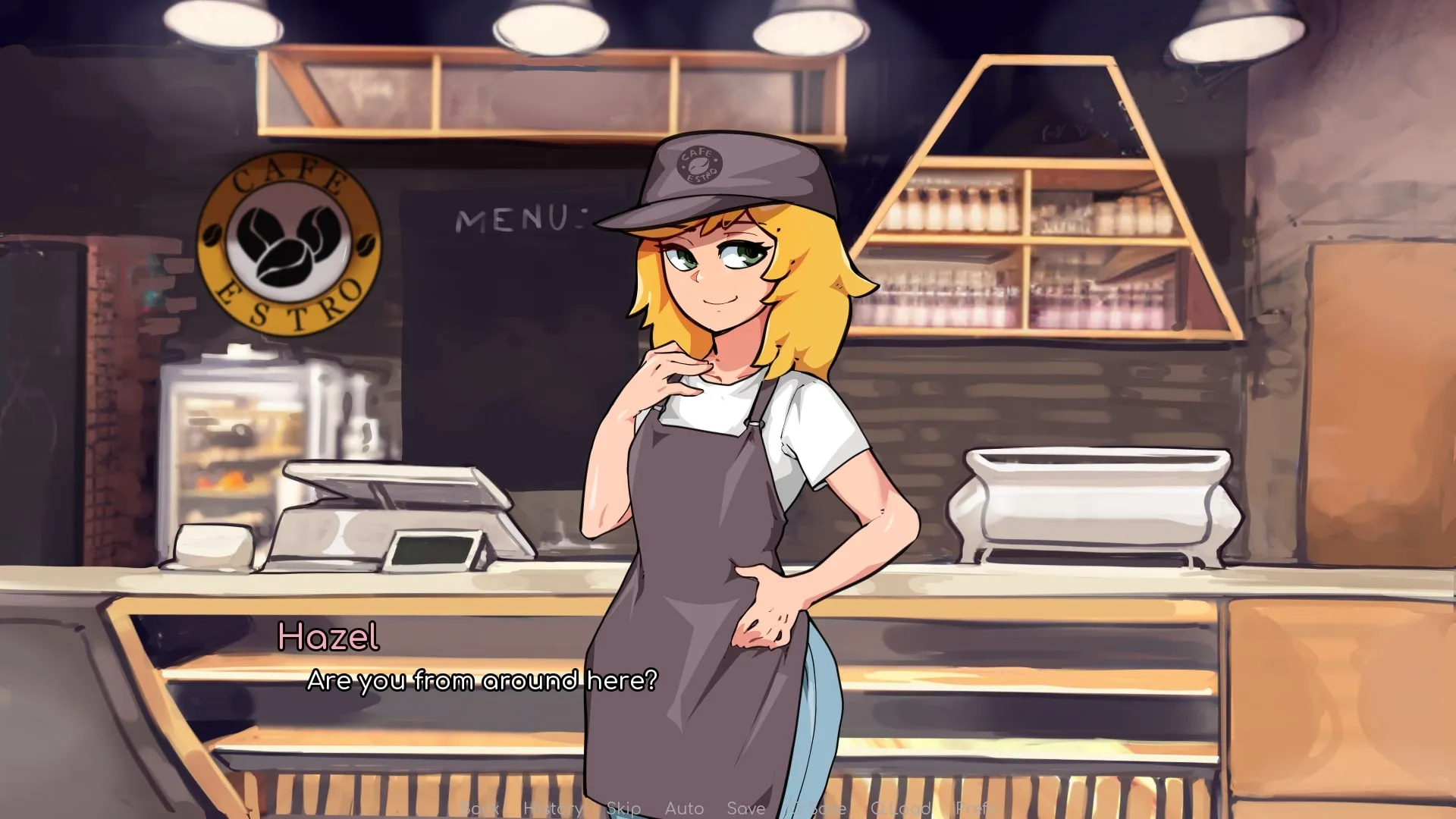
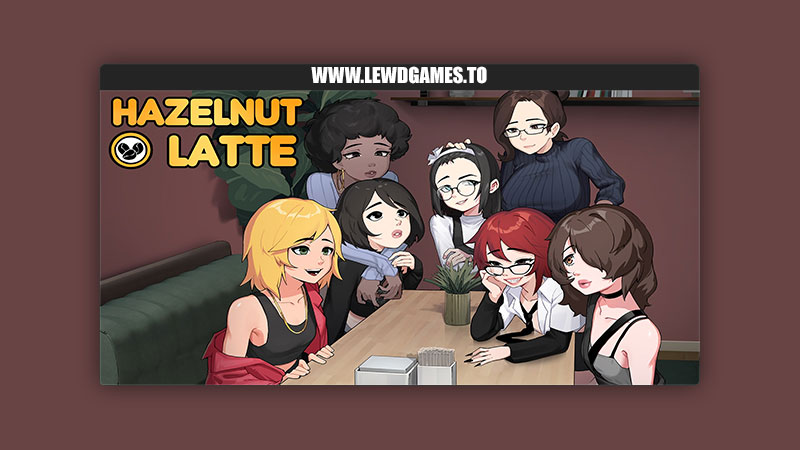
RadLord Games released a new game called Hazelnut Latte and the version is 0.16.0.1. The game’s story is about In this visual novel, you visit a café and find a young barista named (Phil)Hazel. The two of you hit it off and the choice is up to you. What kind of coffee do you like? Do you want an espresso? Something sweet, like a frappe? Or do you want to try the special: A Hazelnut Latte?
Developer
RadLord
Version
0.16.0.1
File Size
662.9 MB
Language
English
Platforms
Windows Linux macOS Android
Game Version ChangelogLatest
v0.16.0.1
Features
- Point and click sections at Cafe Estro in Episode 1, which unlocks a few gallery items
- A new static CG at Nemtech when meeting Noto
- We now have button outlines in point-and-click mode, to help players see what to click on during gameplay
- We now have working save file naming and deleting through the save and load menu
- Reworked the Noto introduction for a more cinematic flair
- You can now filter for “All” episodes in the gallery
- The Gallery now remembers your search filters between sessions (nsfw, show locked, subcategory filters)
- The Gallery button in the main menu is now White, to make it more distinguishable from the background
Changes
- Changed the entire architecture of the game manager, and how it handles input. Should not have any noticeable impact on performance, but makes the assignment of duties in code more comprehensive in the back-end. If you notice weird behaviour with controls, please bug report!
- Changed how character animations transitions to be a bit ‘snappier’; this is to fix an issue with how animations blend into each other and will be something we continue tweaking going forward
- Changed the appearance of the save menu slightly
- Changed the new “No AI” logo in the intro to be bigger
- Changed into a new Radlord Studio Logo
- Changed how we load spine characters and animated scenes, which slightly speeds up scene loading
- Changes to point-and-click maps to make the clickable space more precise, meaning larger objects with shadows or reflections don’t consider their ‘external’ space clickable
- Changed so autoplay / skipping now stops at the end of dialogue, you can turn it on again when dialogue resumes
- Changed order of operations for handling saving a file, which should make it a little faster and more stable… probably
- Changed the order of some of the in-game option menu buttons
- Changed skipping and autoplay to continue even when you Hide the UI
- (Computer) Changed so using the continue hotkey, or the menu hotkeys stop autoplay
- (Android) Changed the android app icon to be even smaller, so it should fit on on the home menu button better
Bugfixes
- Fixed a few instances where Gallery unlocks didn’t trigger due to gallery keys not properly being sent, or being misspelled
- Fixed a Gallery bug related to subcategories toggled on when opening the gallery
- Fixed Gallery showing a blank page when it doesn’t have enough items to put there
- Fixed the skip and auto-play remaining toggled on between gallery replays
- Fixed an incorrect Gallery thumbnail
- Fixed a missing page in one of the gallery unlocks
- Fixed bug related to loading a scene with Dave in it where he would not appear, and associated bugs to him failing to instantiate
- Fixed “Do not use” message persisting over save slots when changing page
- Fixed a settings menu bug where it would display 1920×1080 resolution by default, regardless of what resolution setting you had, and some associated bugs where resolution would change when opening and closing settings menu repeatedly
- Fixed bug with Continue button where it would only check the first six save files for which was the last used; now it checks all of them
- Fixed typos and formatting errors
- Fixed bug/nuisance where drop-down boxes don’t close properly when you click outside them
- Fixed a settings menu bug that prevented Fullscreen mode for returning to previous saves setting when cancelling out
- Fixed a graphical error on the name input screen
Planned future improvements include:
- Scene and resource loading overhaul with the goal of drastically reduced load times
- A tutorial segment
- Fixes for issues with the fonts
- Screen resolution compatibility fixes, to make it look just right on more screens.
- More precise SFW filter settings, for those that may wish to stream the game, or just don’t want to see the action, but still have it described
Developer Notes
Tags:
- Femboy
- Masturbation
- Voyeur
Future Tags:
- Blowjob
- Doggystyle
- Anal
- Crossdressing
Game Screenshots
Download Game
WindowsLinuxmacOSAndroid
Do you like this game?
Click on a star to rate it!
Average rating 4.4 / 5. Vote count: 295
No votes so far! Be the first to rate this post.