
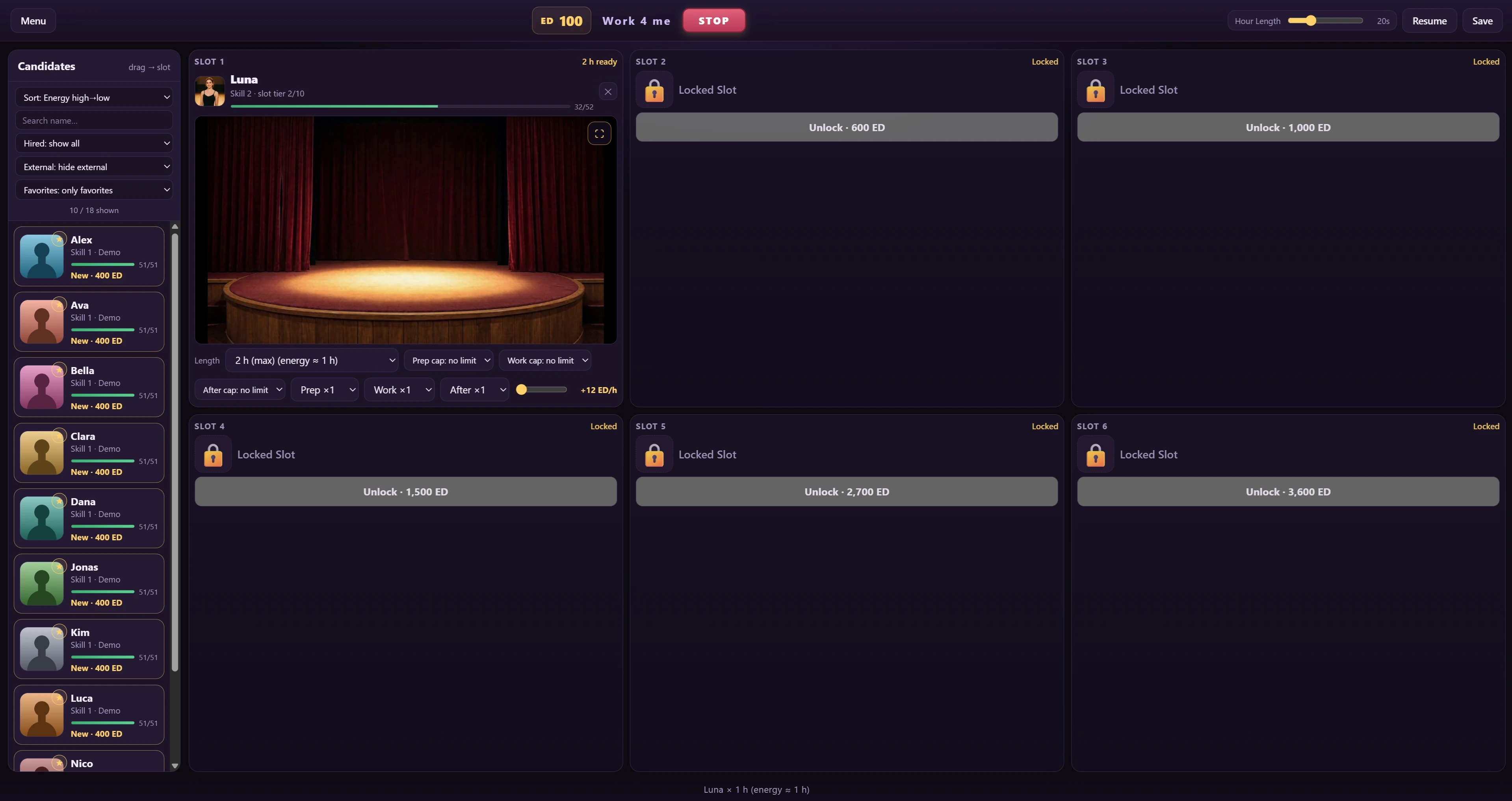
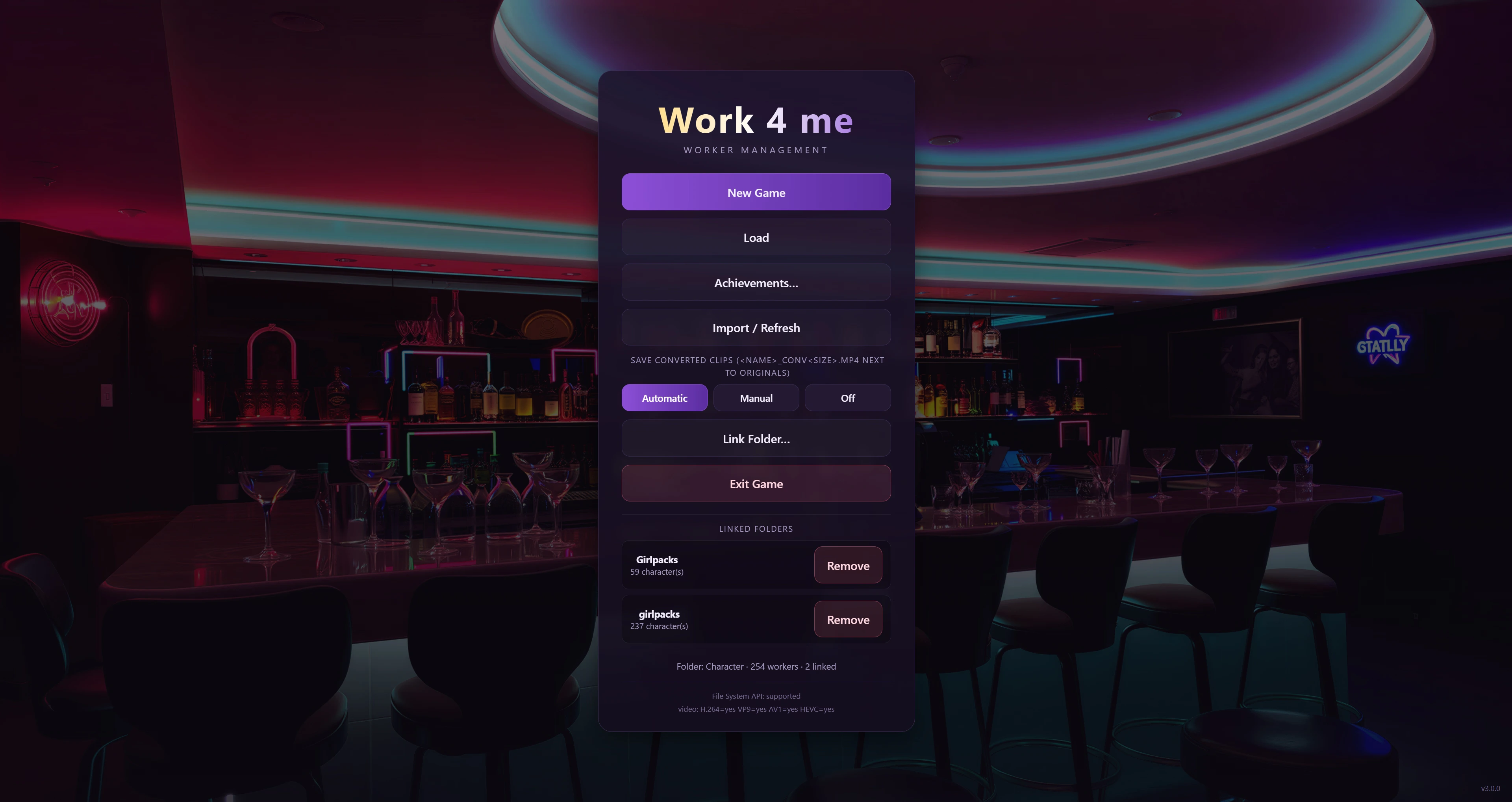
Bü released a new game called Work 4 me and the version is 0.10.36. The game’s story is about Work 4 me is a work-management sim inspired by Venus’s Club. Hire workers, staff six slots, run workdays and grow their skills — while their videos play live on stage. Keep the energy balance, raise skills. The game is fully Girlpack-compatible: point it at the folder that contains your Girlpack folder and every pack is auto-detected. Both the standard layout and the Girlpack format are supported, with built-in standard rules that are auto-created for you and can be edited.
Work 4 me — Changelog 0.9.9 -> 0.10.36
MANAGERS (new)
- Three M-slots per floor (Administration / Popup clicker / New
- videos); each holds a character with an upgradeable M-Skill.
- Placing and upgrading use the same two-click dance as workers –
- the M-slot glows. Removing a manager (or any worker) never fires
- them. M-skills also lower the floor’s per-hour energy cost and
- raise its end-of-day recovery.
- M1 (Administration) opens the roster window and auto-staffs the
- empty slots at Start. A floor WITHOUT M1 is staffed by hand –
- place workers manually, then Start.
- M2 (Popup clicker) clicks the “+1 Skill” popups automatically
- while the day runs.
- M3 (New videos) configures the slots for unseen clips at Start:
- per phase it caps at the tier with the most unseen clips (random
- only when no tier, or all tiers, are fully seen) and repeats the
- open clips of that tier. A GOLD worker (whole library seen) runs
- x1 in all three phases – applied at day start and the moment the
- gold frame appears mid-day, on floors WITH a M3 manager only. A
- worker never ends up with all three phases off.
- Phases you set yourself are protected for the day you set them
- and the next workday; from the second day start after yours, M3
- may re-configure them again.
- Simulated floors (floors without live playback) run their full
- day – their own slot lengths and energy. The STOP button is the
- only thing that cuts them short.
ROSTER (new)
- The candidate list became an 18-cell grid of avatars (“the
- roster”): click a cell or drag it into a slot to staff, click a
- placed worker to take them out. Filling a slot is two clicks –
- the worker glows “ready”, a red ring marks the last clicked cell,
- and clicking the other cell of the pair completes the move.
- FILL TOP: one-click staffs the empty slots with your sorted
- candidates (never spends ED – locked slots are skipped).
- FILL WITH DEMO: one-click fills with demo workers (shows the
- live number it will add). The filler names keep counting on
- every floor (“Name 2”, “Name 3”, …) – the game is fully
- playable with zero linked characters.
- The old “auto-place free hires into empty slots” is gone.
FLOORS (new)
- Every company of at least 21 workers unlocks the next floor:
- M-Slot 3 on the top floor is the key – buy it and a new floor
- opens (its own 6 slots + roster + managers).
- The whole topbar moved: ED + company size next to the logo, floor
- counter right of it, the 6 slot boxes below the topbar, dice +
- trophy at the right end (achievements: 25 to find – one stays
- hidden until you earn it).
- Switch floors with the -1 / +1 buttons next to START.
DIALOGS (new)
- Characters with dialog content get a [ Videos | Dialogs ] tab in
- their video library: line-by-line scenes (background, portrait,
- speech bubble) that you advance by clicking or run in Auto mode
- (speed slider).
- Dialogs unlock by skill window and can chain; the list is
- sectioned Active / Locked / Done, and finished scenes replay for
- free (money demands auto-skip in a replay).
- Trigger dialogs (hiring, M-slot, skill-up, gold frame) open in
- their OWN window the moment the event happens – during setup or
- mid-workday, queued one at a time.
- Scenes can grant +Skill (“Done · +N Skill”; a repeatable scene
- grants it once per workday), can end in a money demand (Pay /
- Later; unpaid = “Pending”), and can be hand-authored from a
- Character>/Dialogs/ folder – one .txt per scene.
- Walkthrough: “Dialog Guide.txt”; scene format:
- “Dialogs-Format.txt” (both in this zip).
- WORKDAY (focus mode)
- While a workday runs the screen is a borderless video wall: one
- chrome line above each video (name, skill, shift length, energy)
- and the phase bars + slot-time bar below.
- The phase bars are PROGRESS bars: the playing phase fills up
- with its clips (1/10 = 10%, 10/10 = 100%); hover a phase bar for
- the caps/counts/volume panel.
- The live player’s slot hotkeys (default 1-6) are rebindable –
- click a key chip, press the key. A thin left-edge handle opens
- the roster peek (the full roster is one more click).
- F11 for full screen (Esc exits) – or the topbar button.
VIDEO LIBRARY & CANDIDATES
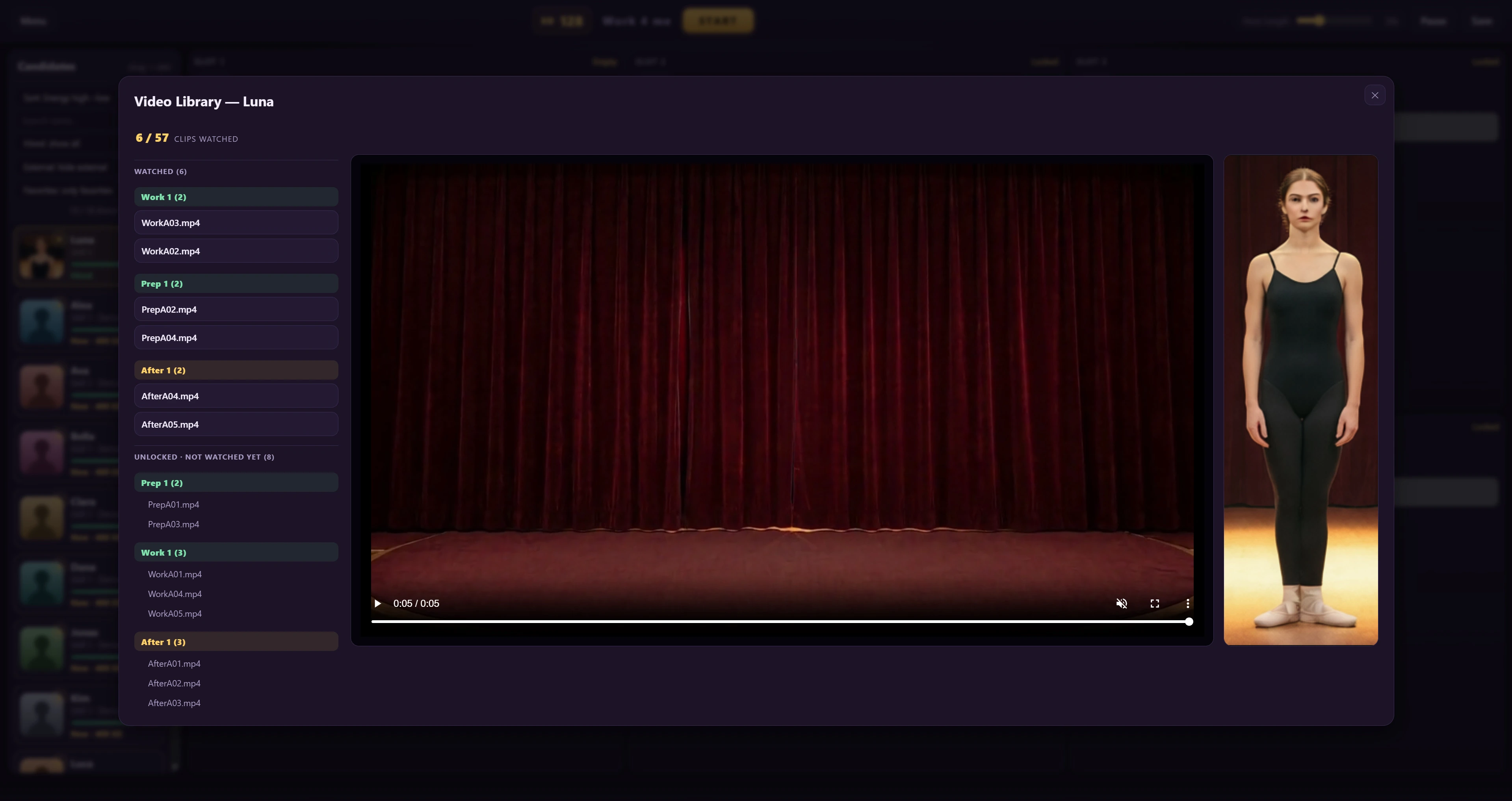
- The video library shows which dialog each clip belongs to –
- hover the row; click opens the dialog.
- Per-worker: a “random (<= skill)” phase-cap option – the cap
- tracks the worker’s skill, so the slot keeps playing unseen
- clips even after the tier is fully seen.
- UNPLAYABLE CLIPS: a clip that fails to play twice is marked
- unplayable (stored with your save) and moves to a collapsible
- “Unplayable” section of the video library (file + phase shown, so
- you know exactly what to fix). The mark clears itself on the next
- scan once the file is fixed; the gold border stays reachable. A
- worker with a broken clip gets a RED border on their avatar; a
- complete library with a broken clip combines gold and red.
- Candidate list: favorites (star) + a “Show first” grouping
- (Subordinates & Favorites / Subordinates / Favorites / everyone)
- with a Scope toggle (Floor | All); one sort dropdown per key
- (Name, Skill, Clips, Seen %, Energy, Energy %, Dialogs, M-skill,
- Random) plus a global Asc/Desc toggle. “Random” shuffles the list
- into a fresh (stable, per-save) random order – while it is
- active, clicking the closed dropdown’s text part re-shuffles
- directly, the arrow opens the menu to pick another sort. Marking
- a favorite, re-sorting or filtering never moves your scroll
- position.
- GIRLPACK FILTERS: when at least one loaded girlpack has a valid
- Description.json, a “Girlpack sort” button opens a panel with a
- girlpack show/hide filter, appearance filters (body type, bust,
- hair, eyes, skin – the options show only what your loaded packs
- have) and a girlpack sort by age or height.
MINOR TWEAKS
- assorted small adjustments
The game itself contains no adult content and is suitable for all ages — the bundled placeholder workers are abstract color patterns, and the demo clips are abstract animations. It is a player: the character folders YOU connect decide what is played. Video files are streamed locally from your hard drive into the built-in Chromium engine; no network transmission, no telemetry, no auto-updates.
Setup in 3 steps:
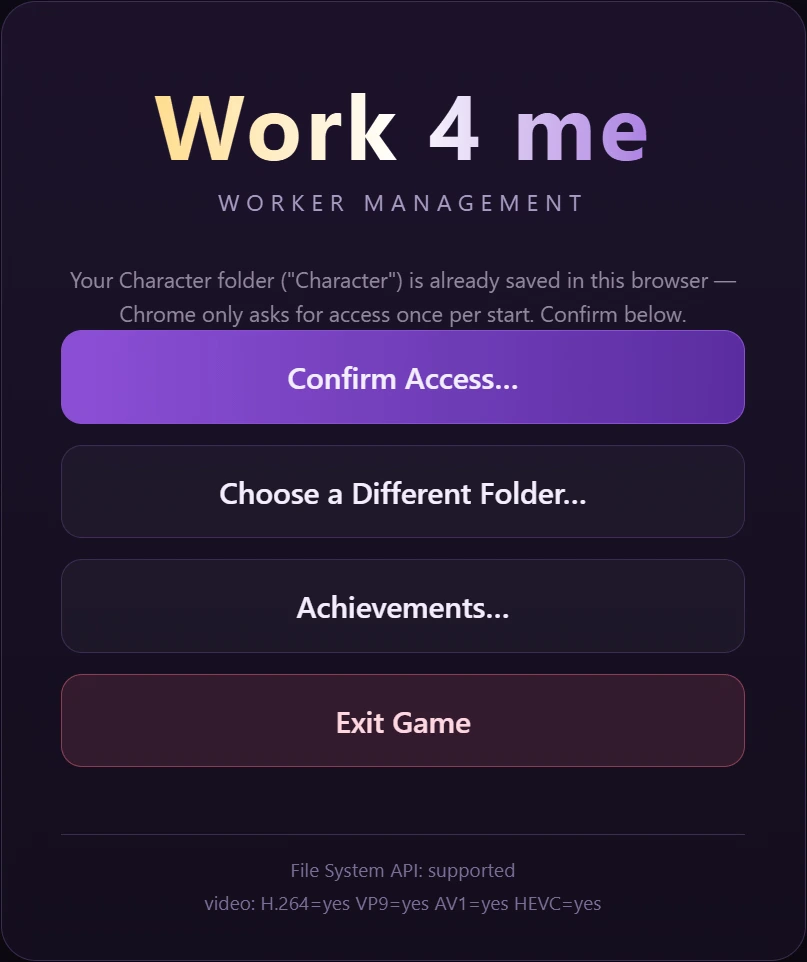
- 1. Start the game and press “Connect Character Folder” (or drag & drop your character root folder onto the window).
- 2. Press “New Game”, drag workers into the slots, press START.
- 3. Done. Standard character folders and Girlpack folders are both auto-detected; the rules file (“Game Info/Girlpack.txt”) is created automatically the first time you hire a Girlpack character.
Note for Linux users: I was not able to test the Linux build — it was packaged on the same codebase, but if it does not run for you, please report it in this thread so I can fix it.
Do you like this game?
Click on a star to rate it!
Average rating 2.3 / 5. Vote count: 6
No votes so far! Be the first to rate this post.