
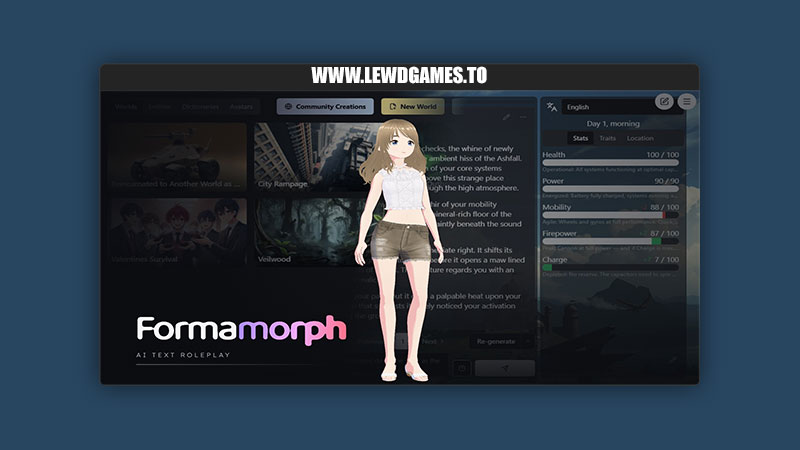
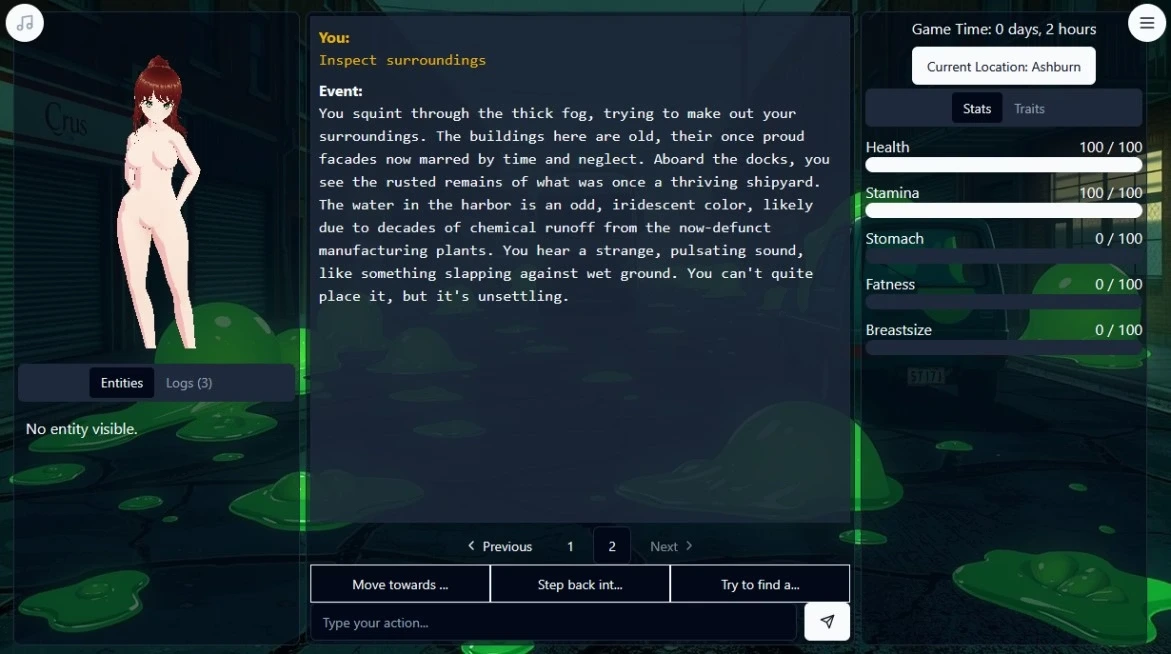
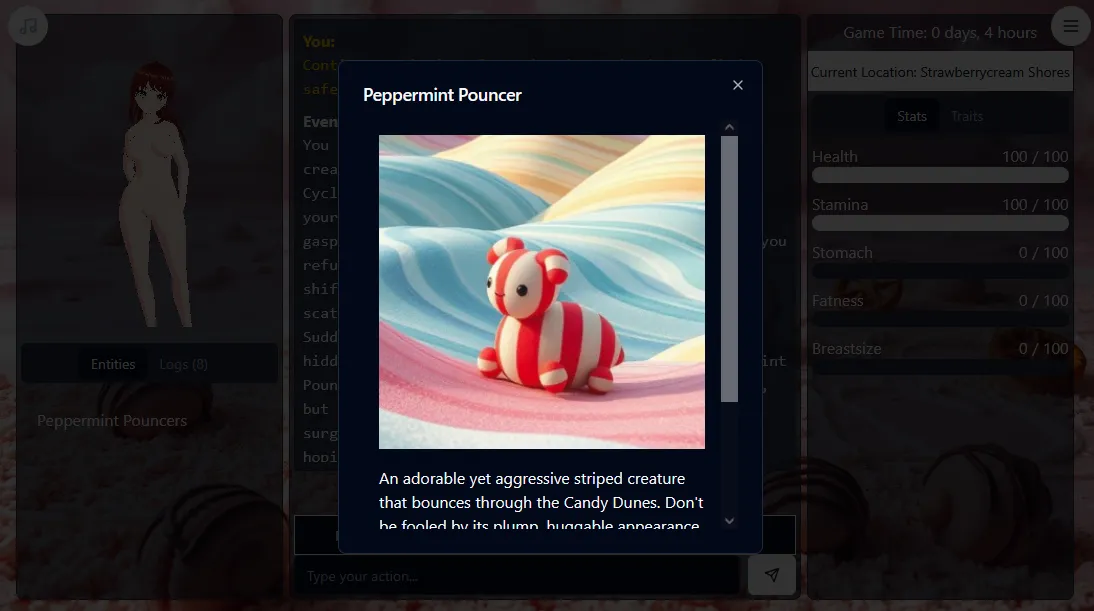
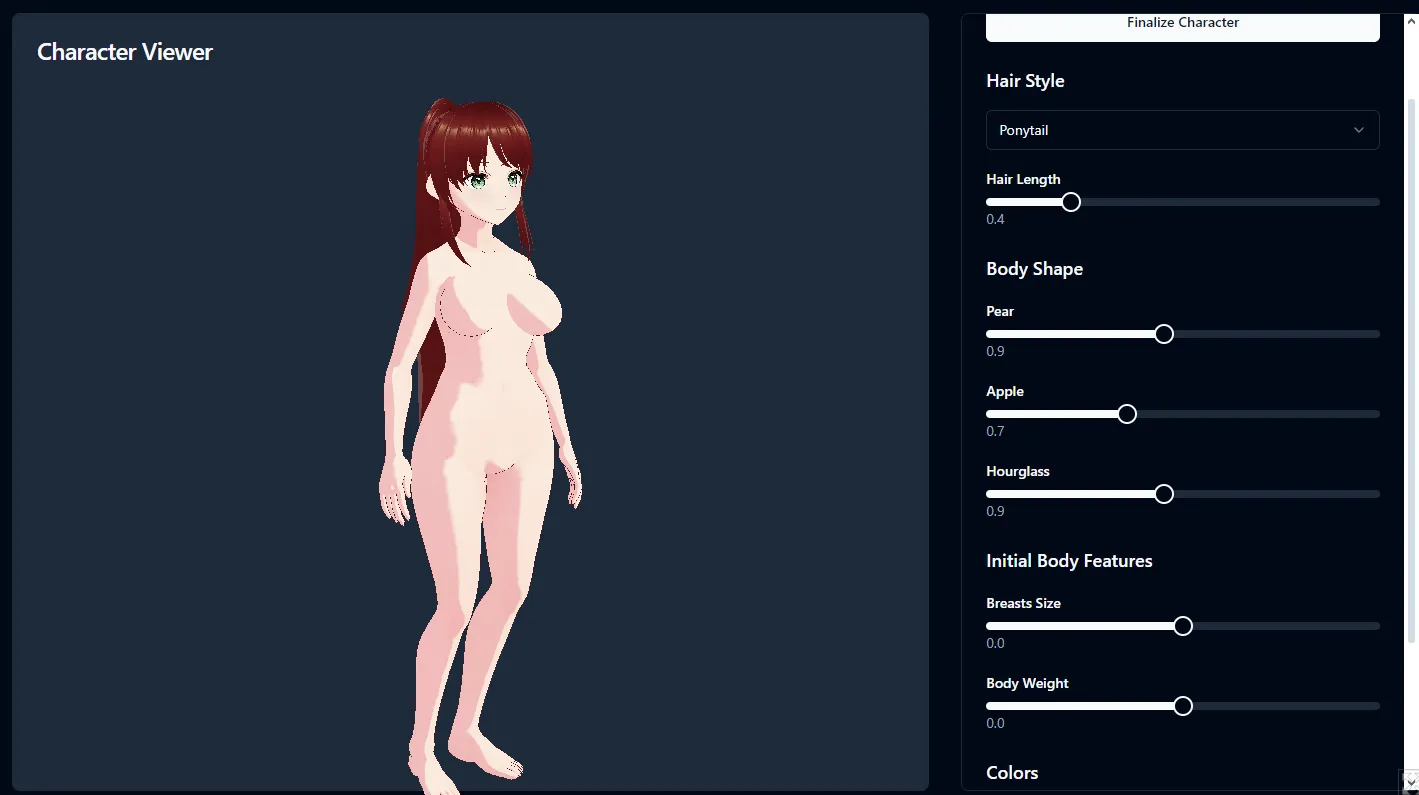
Jake James Games released a new game called Formamorph and the version is 3.3.0. The game’s story is about An advanced, AI-powered text RPG engine with extensive 3D character customization, you can create your ideal avatar and watch as your body changes and evolves throughout your adventures. From hairstyle and eye color to starting body shape (hourglass, pear, apple), the customization is in your hands. The engine focuses on the bodily transformative aspects of adventure.
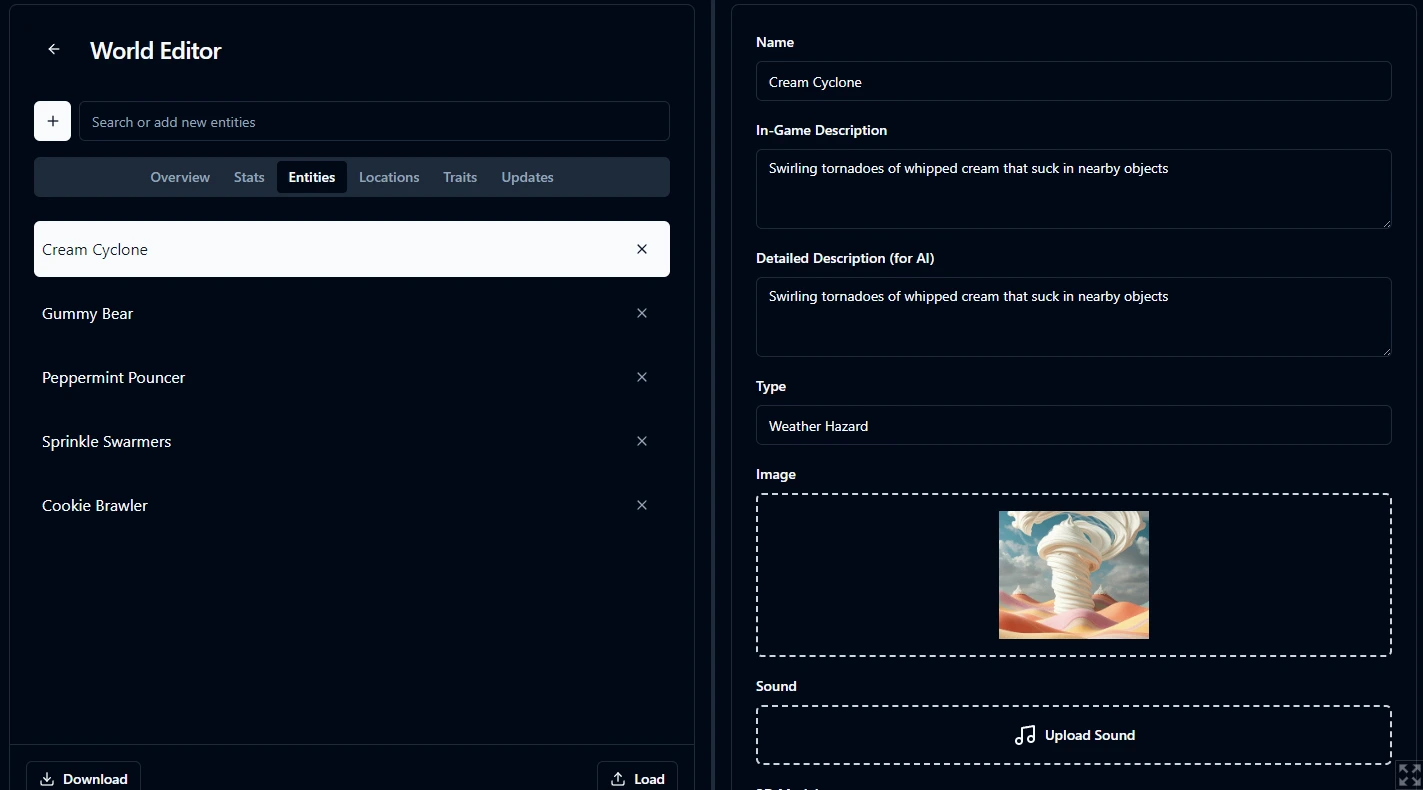
You can experience changes such as the size of your belly/breasts or the overall fat distribution in your body. You can undergo virtual pregnancy, breast/belly inflation, weight gain, and more. With AI-powered storytelling, each playthrough is unique and tailored to your choices. There are 4 starting example worlds to explore, although I have to admit they are not quite fleshed out yet as my focus was entirely on getting the engine to run efficiently XD
v3.3.0
Added
- Entity Stats
- Entities can own stats, set on a Stats tab in the entity panel in Advanced mode
- Stats now go in groups on the Stats tab and on each entity’s Stats tab
- The Stats tab shows a node for each entity that owns stats, and Blueprints give one stat to many entities
- An entity’s own traits and trait links now change its own stats, in the World Editor and in play
- An entity stat’s Body Sliders now shape that entity’s own 3D model in play
- Library characters keep their stats on a character card, and the library editor has a Stats tab
- Stat code now reads and writes any stat, and owner holds the entity that owns the stat
- Stat code tools now follow owner and writes to any stat: the editor, Test Code, Issues, renames and the guide
- Entity stats change during play: regen and both code boxes run each turn for every entity, present or not
- The Stats tab shows the selected entity’s stats under yours, with a picker at the top
- Your played entity’s stats now join yours in the stat panel, the AI’s stat updates and the Stats chip
- The AI now updates every entity’s stats with yours, in blocks for your persona, each entity and global stats
- A refused stat request falls back to stat-change lines in your preset’s style, updating your persona’s and loose stats only
- The Entities chip sends each present entity’s stats, in their groups, to the AI
- Code Hover Cards
- Hovering a name in stat code, a Tool script or the template editor now shows a card that explains it
- The Variable menu and the Tool script reference now state whether each field is writable or read-only
- Press Ctrl+K Ctrl+I in a code box to open the card for the name at the caret
- A stat’s hover card in stat code now shows its range, start value, regen, owner and who sees it
- Hovering a declared name or template slot in the code editor now shows a card
- Hover cards in stat code now show a trait’s requirements and effects, and a placeholder’s values and weights
- A hover card in a stat’s code now has Open, which jumps to the item in the World Editor
- A code error with a near name now offers a fix, such as Change to Health for stats.Helth
- A hover card on self, stats, clock and the other code globals now has Read in the Guide
- Hover cards in stat code now have Find All Uses, listing every line that uses that exact item
- Hover cards on persona and Blueprint owner names now show the item each reached entity holds
- Formaquestion
- The Formaquestion Search tab finds guide sections by meaning while Semantic Search is on
- A card on the first open of Formaquestion offers Semantic Search, with Turn On and No Thanks
- Formaquestion’s search now finds partial words and words with typos, on the Search tab and in Ask
- You can now read the Guide full screen from the help window
- You can now open the wiki from the help window, on the page and heading you’re reading
- The Guide reader has Back and Forward buttons in Wide View and the full-screen Guide
- The Formaquestion wiki page now covers Open Guide, Open Wiki, Back and Forward, and the Semantic Search card
- Global Scope Split
- The Traits and Stats tabs now list global traits and stats under a Global heading
- The trait editor now lets any entity’s trait change a global stat, played or not
- A trait requirement that names a global trait, group or stat now checks global scope from any owner’s trait
- The AI now reads global traits and stats under Global headings, before your persona’s block
- World, character and library files now store a trait stat row’s target as global
- The wiki and help window now say global stats, global traits and persona stats
- Persona
- A chip’s Header can now hold the Player Name built-in, in every format
- The AI’s notes now list your persona’s own stats inside its block, and your world’s global stats under Global Stats
- Under Staged thinking, each character now plans its turn with its own stats in view
- The Test Bench’s AI Context tab now lists a Persona block, before Stats and Traits
- Stat Code
- A stat code bound write sets the number, and traits and the AI move it from there
- Anew Dice Roll With Consequences template rolls a d20, pins a placeholder, and changes two other stats
- A stat’s code now keeps a value above its old max when other code or a trait raises that max
- Stat Conditions
- The Availability tab can gate a trait on a stat, such as Rage >= 80
- Stat-gated traits turn off and return in play as their stat crosses the threshold
- Test Bench warns when a trait requires a stat it changes, or a percent of a stat with no range
- Visibility Rules
- Each gallery image now has a cog that sets its Visibility rule
- An entity’s image in play now follows its Visibility rules as the story changes
- Test Bench warns when a Visibility rule names something missing or every image of an entity can hide
- The wiki and help window now explain Visibility rules and stat Conditions
- The World Editor now says Owner, not Bearer, for the entity or dictionary that holds a trait, stat or placeholder
- Selecting a placed chip now opens Chip Options, a dialog that shows what the AI reads as you pick
- The AI now updates your stats with fewer wrong-direction and made-up changes
- The World Editor’s Content group now lists Entities first and Stats last
- A new Time Per Turn setting sets the story time each turn adds while Measured Clock is off
- The stat panel’s Regen field now takes a unit, so a stat can regen 1 per day
- A new Autosaves Kept setting keeps the last few autosaves for each world, named by turn
- Four bundled worlds now show placeholder ownership on the World Editor’s Placeholders tab
- The Tool script’s Variable menu now works like stat code’s, one level at a time down to a field
Fixed
- The placeholder and tag suggestion lists of an editor field no longer cover the help window
- The in-game Map no longer shows Connection travel hints, only the lines
- Loading a save in game no longer shows stat changes from the turn before the load
- A dictionary entry’s Whole Words checkbox now works with Regex keywords
- The World Editor refuses a drag into Blueprints while something still reads the trait or stat
- A click or Escape in the help window no longer closes a menu, popover, list or dialog below it
- Regenerate Memory and a character’s Regenerate wait for background passes, with a spinner you can cancel
- An image request that can’t reach the image server now names the server and what to check
- The World Editor’s Auto Save setting is now Autosave, the name the game’s saves use
- Code completion now lists members after chains with spaces or ?., and nothing in comments
- Escape in a code box inside a dialog now closes only the completion list
- A prompt routed to an endpoint now uses that endpoint’s detected context window in game
- Community Creations thumbnails now show in browsers that can’t cache them, such as Safari
- You can freely modify the world and share it, I hope maybe I can create a space for sharing and playing different worlds.
- For the AI Settings you can freely set the AI endpoint yourself, run it locally too. By default it uses a small AI model (nemo gptq) hosted on my potato PC.
- NOTE: by default the game use very slow AI on my potato PC. Please follow my guide below to setup freeee AI model that’s 10 times smarter and 100 times more memory on
- Those with Local AI: you need to use download version because browser security blocks access to localhost ports.


Do you like this game?
Click on a star to rate it!
Average rating 2.5 / 5. Vote count: 14
No votes so far! Be the first to rate this post.